Database Design Best Practices: Normalization and Performance
Introduction
Database design is the foundation upon which all data-driven applications are built. Poor design leads to data anomalies, performance bottlenecks, and maintenance nightmares that compound over time. Well-designed databases deliver consistency, performance, and flexibility that serve organizations for years.

This guide covers normalization forms, denormalization strategies, indexing for performance, schema design patterns, and practical decision frameworks for SQL Server environments.
Normalization Deep Dive
First Normal Form (1NF)
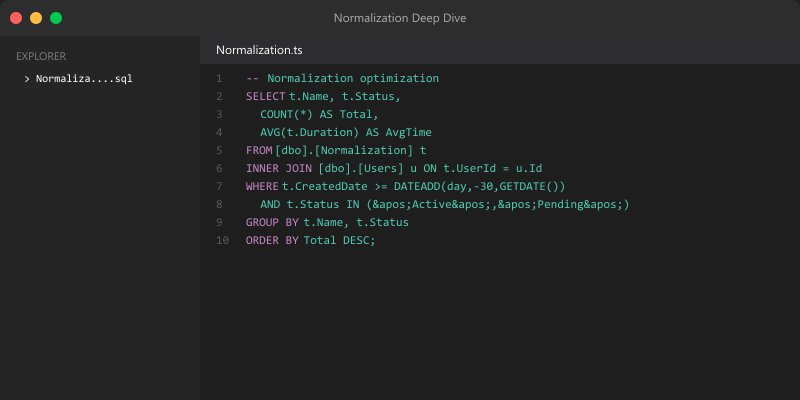
Eliminate repeating groups — each column contains atomic values:
-- BAD: Repeating groups in single column
CREATE TABLE Customers_Bad (
    CustomerID INT PRIMARY KEY,
    Name NVARCHAR(100),
    PhoneNumbers NVARCHAR(500)  -- "555-0100, 555-0101, 555-0102"
);

-- GOOD: Atomic values, separate table for multi-valued attributes
CREATE TABLE Customers (
    CustomerID INT PRIMARY KEY,
    Name NVARCHAR(100)
);

CREATE TABLE CustomerPhones (
    PhoneID INT IDENTITY PRIMARY KEY,
    CustomerID INT NOT NULL REFERENCES Customers(CustomerID),
    PhoneNumber NVARCHAR(20) NOT NULL,
    PhoneType NVARCHAR(20) DEFAULT 'Mobile'
);
Second Normal Form (2NF)
Remove partial dependencies — every non-key column depends on the entire primary key:
-- BAD: OrderItem has ProductName depending only on ProductID, not the full key
CREATE TABLE OrderItems_Bad (
    OrderID INT,
    ProductID INT,
    ProductName NVARCHAR(100),    -- Depends only on ProductID
    Quantity INT,
    UnitPrice DECIMAL(10,2),
    PRIMARY KEY (OrderID, ProductID)
);

-- GOOD: Product info in its own table
CREATE TABLE Products (
    ProductID INT PRIMARY KEY,
    ProductName NVARCHAR(100) NOT NULL,
    ListPrice DECIMAL(10,2)
);

CREATE TABLE OrderItems (
    OrderID INT,


    ProductID INT REFERENCES Products(ProductID),
    Quantity INT NOT NULL,
    UnitPrice DECIMAL(10,2) NOT NULL,
    PRIMARY KEY (OrderID, ProductID)
);
Third Normal Form (3NF)
Remove transitive dependencies — non-key columns don't depend on other non-key columns:
-- BAD: City depends on ZipCode, not directly on CustomerID
CREATE TABLE Customers_Bad (
    CustomerID INT PRIMARY KEY,
    Name NVARCHAR(100),
    ZipCode NVARCHAR(10),
    City NVARCHAR(100),     -- Transitively depends via ZipCode
    State NVARCHAR(50)      -- Transitively depends via ZipCode
);

-- GOOD: Geographic data normalized out
CREATE TABLE ZipCodes (
    ZipCode NVARCHAR(10) PRIMARY KEY,
    City NVARCHAR(100) NOT NULL,
    State NVARCHAR(50) NOT NULL
);

CREATE TABLE Customers (
    CustomerID INT PRIMARY KEY,
    Name NVARCHAR(100),
    ZipCode NVARCHAR(10) REFERENCES ZipCodes(ZipCode)
);
Indexing Strategy
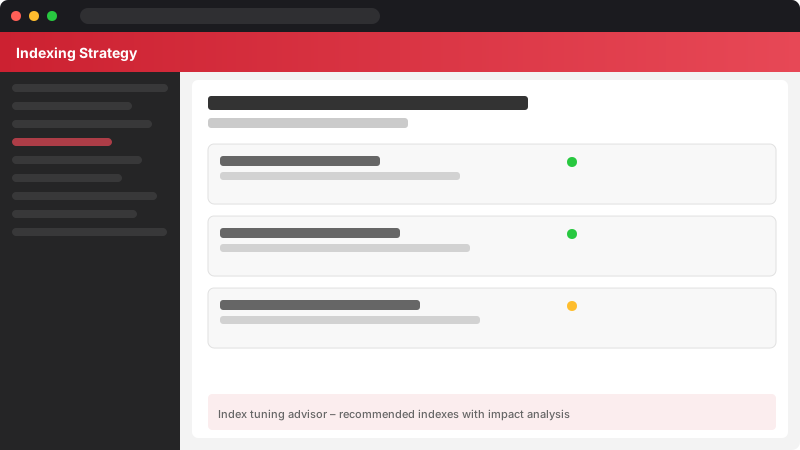
Figure: Index tuning advisor – recommended indexes with impact analysis.
-- Clustered index (usually on primary key — one per table)
CREATE CLUSTERED INDEX IX_Orders_OrderDate
ON Orders (OrderDate);
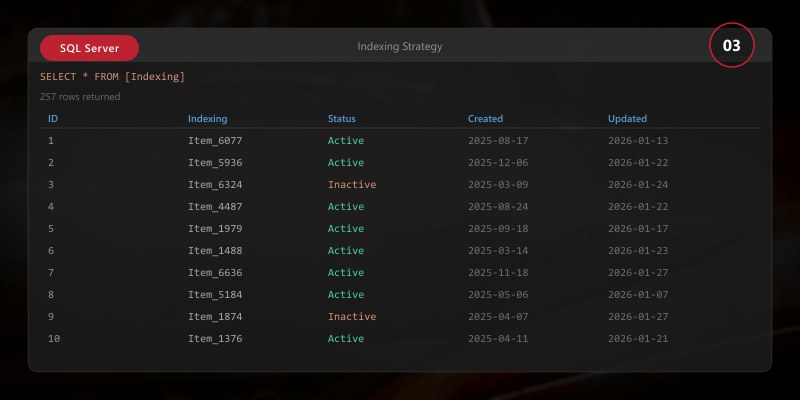
-- Non-clustered covering index for common query pattern
CREATE NONCLUSTERED INDEX IX_Orders_Customer_Status
ON Orders (CustomerID, Status)
INCLUDE (OrderDate, TotalAmount)
WHERE Status IN ('Pending', 'Processing');
-- Index maintenance check
SELECT
OBJECT_NAME(ips.object_id) AS TableName,
i.name AS IndexName,
ips.avg_fragmentation_in_percent,
ips.page_count,
CASE
WHEN ips.avg_fragmentation_in_percent > 30 THEN 'REBUILD'
WHEN ips.avg_fragmentation_in_percent > 10 THEN 'REORGANIZE'
ELSE 'OK'
END AS Recommendation
FROM sys.dm_db_index_physical_stats(DB_ID(), NULL, NULL, NULL, 'LIMITED') ips
JOIN sys.indexes i ON ips.object_id = i.object_id AND ips.index_id = i.index_id
WHERE ips.avg_fragmentation_in_percent > 10
ORDER BY ips.avg_fragmentation_in_percent DESC;
When to Denormalize
| Scenario | Approach | Justification |
|---|---|---|
| Reporting queries on OLTP data | Materialized views / indexed views | Avoid complex joins on hot tables |
| Frequently joined lookup data | Include in parent table | Reduce join overhead for common queries |
| Audit/history tables | Snapshot full record | Preserve point-in-time state |
| Read-heavy with rare writes | Precomputed aggregates | Trade write cost for read speed |

Best Practices
- Start normalized (3NF minimum): Denormalize only when profiling proves it necessary
- Use appropriate data types: INT vs BIGINT, NVARCHAR(100) vs NVARCHAR(MAX) — right-size everything
- Enforce referential integrity: Foreign keys prevent orphaned records and document relationships
- Name consistently: Use singular nouns for tables, descriptive names for columns, prefixed indexes
- Plan for growth: Consider partitioning strategies for tables expected to exceed millions of rows
- Document your schema: ERD diagrams and column descriptions save hours of future investigation

Architecture Decision and Tradeoffs
When designing data management solutions with SQL Server, consider these key architectural trade-offs:
| Approach | Best For | Tradeoff |
|---|---|---|
| Managed / platform service | Rapid delivery, reduced ops burden | Less customisation, potential vendor lock-in |
| Custom / self-hosted | Full control, advanced tuning | Higher operational overhead and cost |
Recommendation: Start with the managed approach for most workloads and move to custom only when specific requirements demand it.
Validation and Versioning
- Last validated: April 2026
- Validate examples against your tenant, region, and SKU constraints before production rollout.
- Keep module, CLI, and SDK versions pinned in automation pipelines and review quarterly.
Security and Governance Considerations
- Apply least-privilege access using RBAC roles and just-in-time elevation for admin tasks.
- Store secrets in managed secret stores and avoid embedding credentials in scripts or source files.
- Enable audit logging, data protection policies, and periodic access reviews for regulated workloads.
Cost and Performance Notes
- Define budgets and alerts, then monitor usage and cost trends continuously after go-live.
- Baseline performance with synthetic and real-user checks before and after major changes.
- Scale resources with measured thresholds and revisit sizing after usage pattern changes.
Official Microsoft References
- https://learn.microsoft.com/sql/
- https://learn.microsoft.com/azure/azure-sql/
- https://learn.microsoft.com/fabric/database/
Public Examples from Official Sources
- These examples are sourced from official public Microsoft documentation and sample repositories.
- Documentation examples: https://learn.microsoft.com/sql/
- Sample repositories: https://github.com/microsoft/sql-server-samples
- Prefer adapting these examples to your tenant, subscriptions, and governance requirements before production use.
Key Takeaways
- ✅ Normalization to 3NF prevents data anomalies and reduces storage waste
- ✅ Denormalization is a performance tool, not a design starting point
- ✅ Proper indexing is the single highest-impact performance optimization
- ✅ Schema design decisions have compounding effects — invest time upfront
- ✅ Regular index maintenance prevents gradual performance degradation