SharePoint Hub Sites: Connecting Your Intranet Ecosystem
Owner = "[email protected]"
SiteDesignId = "6142d2a0-63a5-4ba0-aede-d9fefca2c767" # Topic site design
Lcid = 1033 # English
HubSiteDesignId = "00000000-0000-0000-0000-000000000000" # Will be hub```
}
Write-Host "Creating HR site..." -ForegroundColor Cyan
New-PnPSite @hrSiteParams
Write-Host "✓ Site created: $hrSiteUrl" -ForegroundColor Green
Wait for site provisioning to complete
Start-Sleep -Seconds 30
Register site as Hub Site
Write-Host "Registering as Hub Site..." -ForegroundColor Cyan
Register-PnPHubSite -Site $hrSiteUrl
Write-Host "✓ Hub Site registered" -ForegroundColor Green
Verify hub site creation
$hubSite = Get-PnPHubSite -Identity $hrSiteUrl
Write-Host "`nHub Site Details:" -ForegroundColor Yellow
Write-Host " Title: $($hubSite.Title)"
Write-Host " URL: $($hubSite.SiteUrl)"
Write-Host " Hub Site ID: $($hubSite.ID)"
Diagram: See the official Microsoft documentation for architecture details.
Step 3: Configure Hub Site Settings
Set Hub Site Logo and Theme
## Connect to the HR hub site
$hrSiteUrl = "https://contoso.sharepoint.com/sites/hr"
Connect-PnPOnline -Url $hrSiteUrl -Interactive
## Upload logo
$logoPath = "C:\Logos\HR_Logo.png"
$logoFile = Add-PnPFile -Path $logoPath -Folder "SiteAssets" -Publish
Write-Host "✓ Logo uploaded: $($logoFile.ServerRelativeUrl)" -ForegroundColor Green
## Set site logo
$web = Get-PnPWeb
Set-PnPWeb -LogoUrl "$($web.ServerRelativeUrl)/SiteAssets/HR_Logo.png"
Write-Host "✓ Logo applied to hub site" -ForegroundColor Green
## Define custom theme
$themeJson = @"
{
```text
"themePrimary": "#0078d4",
"themeLighterAlt": "#eff6fc",
"themeLighter": "#deecf9",
"themeLight": "#c7e0f4",
"themeTertiary": "#71afe5",
"themeSecondary": "#2b88d8",
"themeDarkAlt": "#106ebe",
"themeDark": "#005a9e",
"themeDarker": "#004578",
"neutralLighterAlt": "#faf9f8",
"neutralLighter": "#f3f2f1",
"neutralLight": "#edebe9",
"neutralQuaternaryAlt": "#e1dfdd",
"neutralQuaternary": "#d0d0d0",
"neutralTertiaryAlt": "#c8c6c4",
"neutralTertiary": "#a19f9d",
"neutralSecondary": "#605e5c",
"neutralPrimaryAlt": "#3b3a39",
"neutralPrimary": "#323130",
"neutralDark": "#201f1e",
"black": "#000000",
"white": "#ffffff"```
}
"@
## Add custom theme to tenant
Connect-PnPOnline -Url "https://contoso-admin.sharepoint.com" -Interactive
Add-PnPTenantTheme -Identity "HR Theme" -Palette $themeJson -IsInverted $false -Overwrite
Write-Host "✓ Custom theme created" -ForegroundColor Green
## Apply theme to hub site
Connect-PnPOnline -Url $hrSiteUrl -Interactive
Set-PnPWebTheme -Theme "HR Theme"
Write-Host "✓ Theme applied to hub site" -ForegroundColor Green
Expected output:
Connected to https://contoso.sharepoint.com

Configure Hub Site Navigation
## Connect to hub site
Connect-PnPOnline -Url $hrSiteUrl -Interactive
## Clear existing navigation
Get-PnPNavigationNode -Location TopNavigationBar | Remove-PnPNavigationNode -Force

## Add hub navigation links
$navItems = @(
```text
@{Title = "Home"; Url = "/sites/hr"},
@{Title = "Benefits"; Url = "/sites/hr-benefits"},
@{Title = "Careers"; Url = "/sites/hr-recruiting"},
@{Title = "Learning"; Url = "/sites/hr-learning"},
@{Title = "Policies"; Url = "/sites/hr-handbook"},
@{Title = "Contact HR"; Url = "/sites/hr/Pages/Contact.aspx"}```
)
Write-Host "Adding navigation items..." -ForegroundColor Cyan
foreach ($item in $navItems) {
```text
$fullUrl = "https://contoso.sharepoint.com$($item.Url)"
Add-PnPNavigationNode -Title $item.Title `
-Url $fullUrl `
-Location TopNavigationBar
Write-Host " ✓ Added: $($item.Title)" -ForegroundColor Green```
}
Write-Host "`n✓ Navigation configured" -ForegroundColor Green
## Verify navigation
Get-PnPNavigationNode -Location TopNavigationBar |
```text
Select-Object Title, Url |
Format-Table -AutoSize
Expected output:
Connected to https://contoso.sharepoint.com

## Set Hub Site Permissions
```powershell
## Connect to hub site
Connect-PnPOnline -Url $hrSiteUrl -Interactive
## Add hub site administrators
$hubAdmins = @(
```text
"[email protected]",
"[email protected]",
"[email protected]"```
)
Write-Host "Adding hub site administrators..." -ForegroundColor Cyan
foreach ($admin in $hubAdmins) {
```powershell
try {
Add-PnPHubSiteAssociation -Site $hrSiteUrl -HubSiteAdmin $admin
Write-Host " ✓ Added: $admin" -ForegroundColor Green
} catch {
Write-Host " ✗ Failed to add: $admin" -ForegroundColor Red
Write-Host " Error: $($_.Exception.Message)" -ForegroundColor Red
}```
}
## Grant hub site permissions (for association)
Grant-PnPHubSiteRights -Identity $hrSiteUrl -Principals $hubAdmins -Rights Join
Write-Host "`n✓ Hub administrators configured" -ForegroundColor Green
## List hub administrators
$hubSite = Get-PnPHubSite -Identity $hrSiteUrl
Write-Host "`nHub Administrators:" -ForegroundColor Yellow
$hubSite.SiteOwners | Format-Table
Expected output:
Connected to https://contoso.sharepoint.com

Step 4: Create and Associate Child Sites
Create Associated Sites
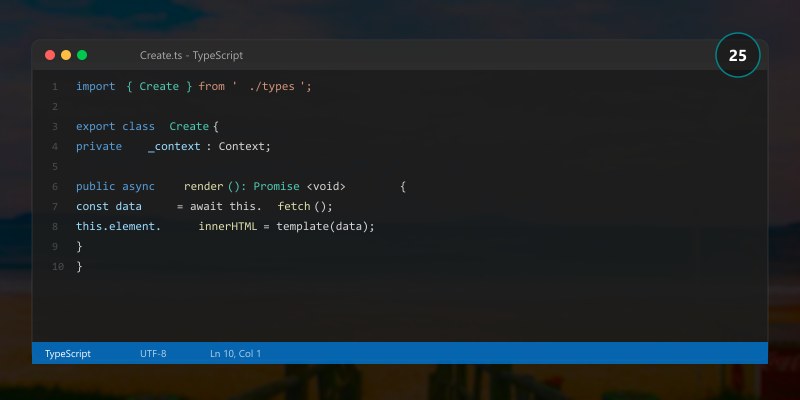
## Define associated sites for HR hub
$associatedSites = @(
```text
@{
Title = "Benefits"
Url = "/sites/hr-benefits"
Description = "Employee benefits information and enrollment"
Owner = "[email protected]"
Template = "CommunicationSite"
},
@{
Title = "Recruiting"
Url = "/sites/hr-recruiting"
Description = "Talent acquisition and recruiting resources"
Owner = "[email protected]"
Template = "CommunicationSite"
},
@{
Title = "Learning & Development"
Url = "/sites/hr-learning"
Description = "Employee training and development programs"
Owner = "[email protected]"
Template = "CommunicationSite"
},
@{
Title = "Employee Handbook"
Url = "/sites/hr-handbook"
Description = "Company policies and employee guidelines"
Owner = "[email protected]"
Template = "CommunicationSite"
}```
)
## Connect to tenant
Connect-PnPOnline -Url "https://contoso-admin.sharepoint.com" -Interactive
## Create each associated site
foreach ($site in $associatedSites) {
> **Architecture Overview:** $fullUrl = "https: contoso.sharepoint.com$($site.Url)"
**Expected output:**
```text
Connected to https://contoso.sharepoint.com

Associate Sites with Hub
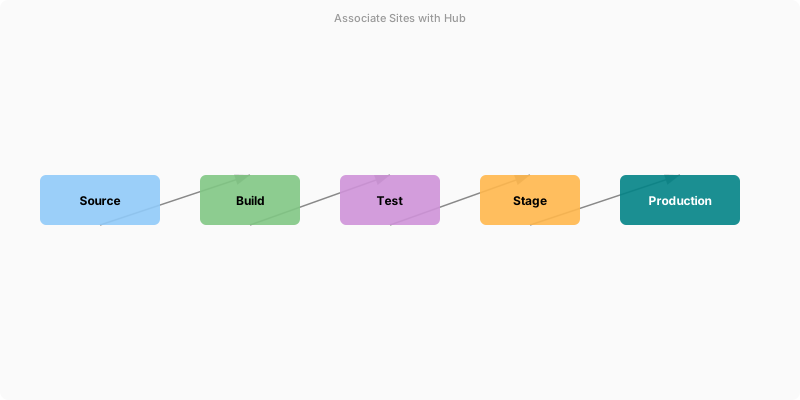
Figure: SharePoint hub site – connected sites navigation and news web parts.
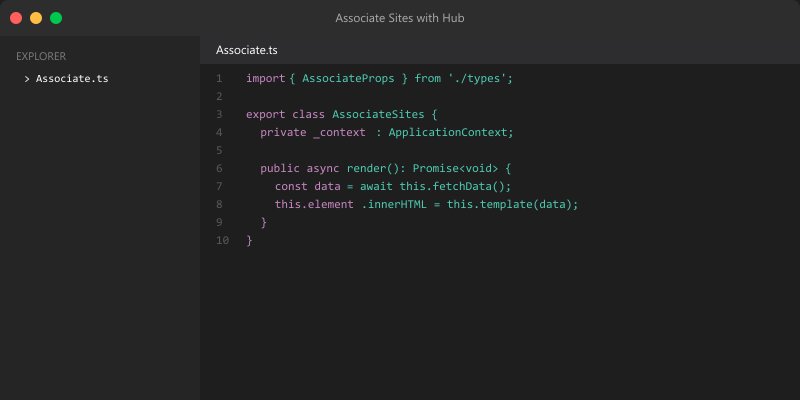
## Get hub site ID
$hrHubSite = Get-PnPHubSite -Identity "https://contoso.sharepoint.com/sites/hr"
$hrHubId = $hrHubSite.ID
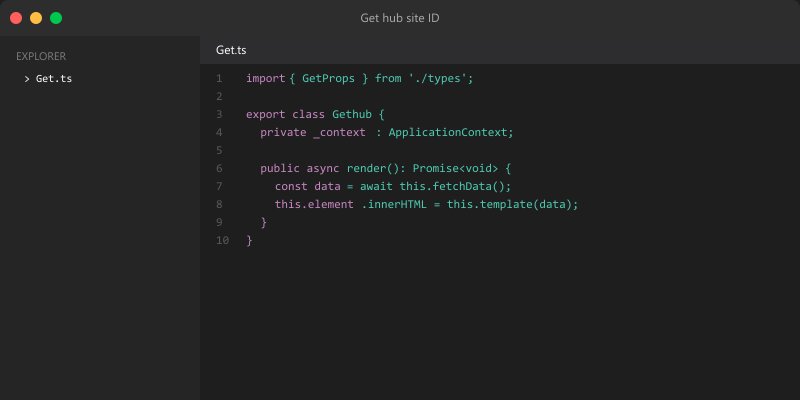
Write-Host "Hub Site ID: $hrHubId" -ForegroundColor Yellow
Write-Host "`nAssociating sites with HR hub..." -ForegroundColor Cyan
foreach ($site in $associatedSites) {
```powershell
$fullUrl = "https://contoso.sharepoint.com$($site.Url)"
try {
# Connect to the site
Connect-PnPOnline -Url $fullUrl -Interactive
# Associate with hub
Add-PnPHubSiteAssociation -Site $fullUrl -HubSite $hrHubId
Write-Host " ✓ Associated: $($site.Title)" -ForegroundColor Green
} catch {
Write-Host " ✗ Failed: $($site.Title)" -ForegroundColor Red
Write-Host " Error: $($_.Exception.Message)" -ForegroundColor Red
}```
}
Write-Host "`n✓ All sites associated with hub" -ForegroundColor Green
## Verify associations
Connect-PnPOnline -Url "https://contoso.sharepoint.com/sites/hr" -Interactive
$associatedSites = Get-PnPHubSiteChild -Identity $hrHubId
Write-Host "`nAssociated Sites:" -ForegroundColor Yellow
$associatedSites | Select-Object Title, Url | Format-Table -AutoSize
Expected output:
Connected to https://contoso.sharepoint.com

Bulk Associate Existing Sites
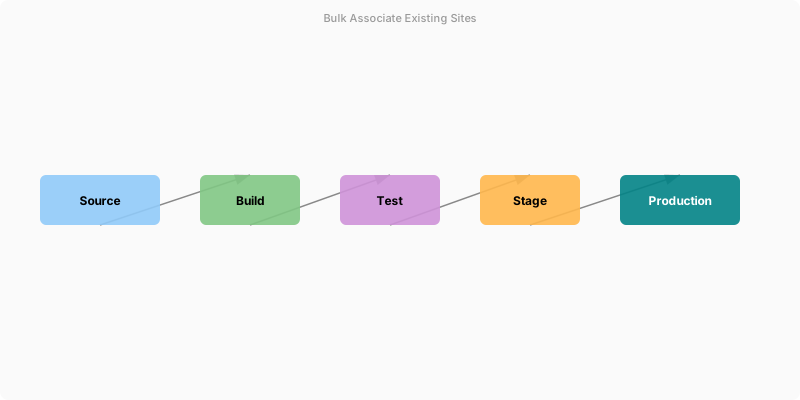
Figure: SharePoint hub site – connected sites navigation and news web parts.
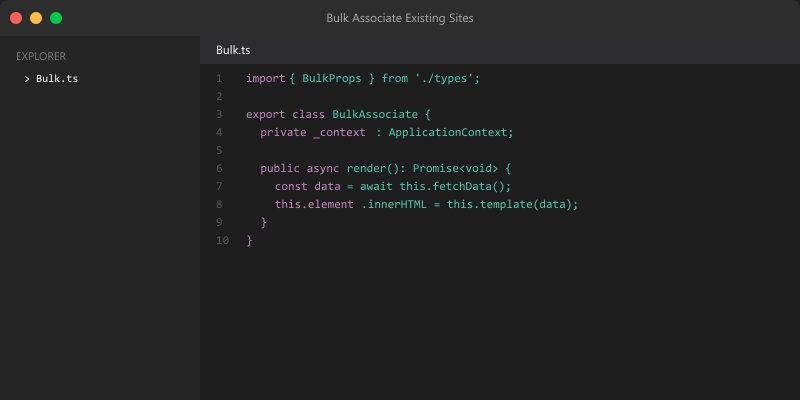
## Find all sites with specific naming pattern
$sitesToAssociate = Get-PnPTenantSite | Where-Object {
```powershell
$_.Url -like "*/sites/hr-*" -and
$_.Template -eq "SITEPAGEPUBLISHING#0" # Communication site template```
}
Write-Host "Found $($sitesToAssociate.Count) sites matching pattern" -ForegroundColor Yellow
foreach ($site in $sitesToAssociate) {
```powershell
Write-Host "`nProcessing: $($site.Url)" -ForegroundColor Cyan
try {
# Check if already associated
Connect-PnPOnline -Url $site.Url -Interactive
$currentHub = (Get-PnPSite).HubSiteId
if ($currentHub -eq $hrHubId) {
Write-Host " ⚠ Already associated with HR hub" -ForegroundColor Yellow
} elseif ($currentHub -ne [guid]::Empty) {
Write-Host " ⚠ Already associated with another hub: $currentHub" -ForegroundColor Yellow
} else {
# Associate with hub
Add-PnPHubSiteAssociation -Site $site.Url -HubSite $hrHubId
Write-Host " ✓ Successfully associated" -ForegroundColor Green
}
} catch {
Write-Host " ✗ Error: $($_.Exception.Message)" -ForegroundColor Red
}```
}
Expected output:
Connected to https://contoso.sharepoint.com

Step 5: Configure Aggregated Content
Create News Rollup on Hub Home
## Connect to hub site
Connect-PnPOnline -Url "https://contoso.sharepoint.com/sites/hr" -Interactive
## Get or create homepage
$homePage = Get-PnPPage -Identity "Home.aspx" -ErrorAction SilentlyContinue
if (-not $homePage) {
```text
$homePage = Add-PnPPage -Name "Home" -LayoutType Home -Publish
Write-Host "✓ Created homepage" -ForegroundColor Green```
}
## Add News web part (aggregates from hub)
Add-PnPPageWebPart -Page $homePage `
-Component "News" `
-Section 1 `
-Column 1 `
-WebPartProperties @{
"dataProviderId" = "news"
"newsDataSourceProp" = 2 # 2 = Hub sites
"newsSiteList" = @() # Empty = all associated sites
"layoutId" = "FeaturedNews" # Featured news layout
"dataRowsLimit" = 10
}
Write-Host "✓ News rollup added to homepage" -ForegroundColor Green
## Add Events web part (aggregates from hub)
Add-PnPPageWebPart -Page $homePage `
-Component "Events" `
-Section 1 `
-Column 2 `
-WebPartProperties @{
"dataProviderId" = "events"
"eventsDataSource" = 2 # 2 = Hub sites
"layoutId" = "FilmStrip"
"dataRowsLimit" = 5
}
Write-Host "✓ Events rollup added to homepage" -ForegroundColor Green
## Add Highlighted Content (documents from hub)
Add-PnPPageWebPart -Page $homePage `
-Component "HighlightedContent" `
-Section 2 `
-Column 1 `
-WebPartProperties @{
"contentSource" = "hub" # Hub source
"queryMode" = "Basic"
"query" = @{
"contentTypes" = @("Document")
"sortBy" = "Modified"
"sortOrder" = "desc"
}
"layoutId" = "Card"
"dataRowsLimit" = 12
}
Write-Host "✓ Highlighted content added to homepage" -ForegroundColor Green
## Publish page
Set-PnPPage -Identity "Home.aspx" -Publish
Write-Host "`n✓ Homepage published with aggregated content" -ForegroundColor Green
Expected output:
Connected to https://contoso.sharepoint.com

Create Custom Hub News Page
## Create dedicated news page
$newsPage = Add-PnPPage -Name "News" -LayoutType Article -Publish:$false
## Add page title section
Add-PnPPageTextPart -Page $newsPage -Text "# HR News & Updates" -Section 1 -Column 1
## Add News web part with filters
Add-PnPPageWebPart -Page $newsPage `
-Component "News" `
-Section 2 `
-Column 1 `
-WebPartProperties @{
"dataProviderId" = "news"
"newsDataSourceProp" = 2 # Hub sites
"layoutId" = "SideBySize"
"dataRowsLimit" = 20
"filterBy" = @{
"contentType" = "News"
}
}
## Publish news page
Set-PnPPage -Identity "News.aspx" -Publish
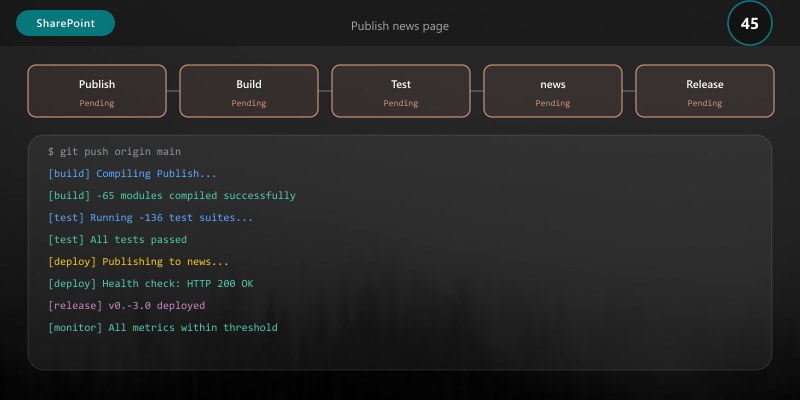
Write-Host "✓ Dedicated news page created" -ForegroundColor Green
## Add to navigation
Add-PnPNavigationNode -Title "News" `
-Url "/sites/hr/SitePages/News.aspx" `
-Location TopNavigationBar

Write-Host "✓ News page added to navigation" -ForegroundColor Green
Step 6: Implement Site Search Scope
Configure Hub Search Settings
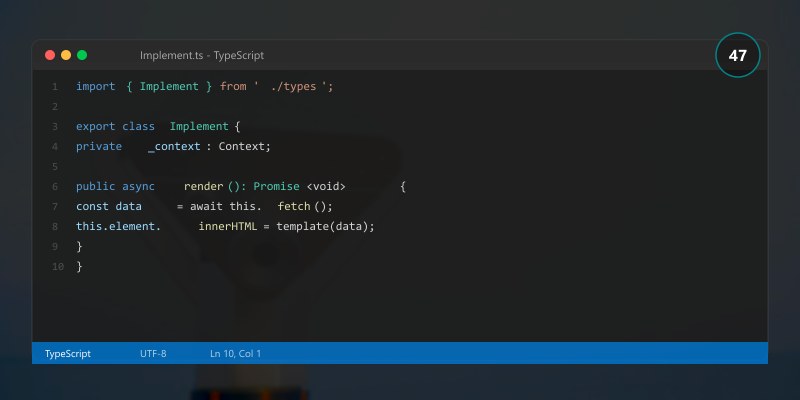
## Connect to hub site
Connect-PnPOnline -Url "https://contoso.sharepoint.com/sites/hr" -Interactive
## Create search schema (custom managed properties)
$searchConfig = @"
<SearchConfigurationSettings xmlns="http://schemas.datacontract.org/2004/07/Microsoft.Office.Server.Search.Administration.SearchConfigurationSettings">
```text
<ManagedProperties>
<ManagedProperty>
<Name>HRDocumentType</Name>
<Type>Text</Type>
<RefinementFilters>
<RefinementFilter>Document</RefinementFilter>
<RefinementFilter>Policy</RefinementFilter>
<RefinementFilter>Form</RefinementFilter>
<RefinementFilter>Guide</RefinementFilter>
</RefinementFilters>
</ManagedProperty>
<ManagedProperty>
<Name>HRDepartment</Name>
<Type>Text</Type>
<RefinementFilters>
<RefinementFilter>Benefits</RefinementFilter>
<RefinementFilter>Recruiting</RefinementFilter>
<RefinementFilter>Learning</RefinementFilter>
<RefinementFilter>Compliance</RefinementFilter>
</RefinementFilters>
</ManagedProperty>
</ManagedProperties>```
</SearchConfigurationSettings>
"@
## Import search configuration
Set-PnPSearchConfiguration -Scope Site -Configuration $searchConfig
Write-Host "✓ Search configuration imported" -ForegroundColor Green
## Create custom search results page
$searchPage = Add-PnPPage -Name "SearchResults" -LayoutType Article -Publish:$false
## Add Search Results web part
Add-PnPPageWebPart -Page $searchPage `
-Component "SearchResults" `
-Section 1 `
-Column 1 `
-WebPartProperties @{
"queryText" = "{searchTerms} path:https://contoso.sharepoint.com/sites/hr*"
"resultSourceId" = "8413cd39-2156-4e00-b54d-11efd9abdb89" # Local SharePoint Results
"refiners" = @{
"HRDocumentType" = @{
"displayName" = "Document Type"
"displayOrder" = 1
}
"HRDepartment" = @{
"displayName" = "Department"
"displayOrder" = 2
}
"FileType" = @{
"displayName" = "File Type"
"displayOrder" = 3
}
}
}
Set-PnPPage -Identity "SearchResults.aspx" -Publish
Write-Host "✓ Custom search results page created" -ForegroundColor Green
Expected output:
Connected to https://contoso.sharepoint.com

Step 7: Hub Site Governance
Create Hub Site Governance Policy
## Define governance metadata
$governanceMetadata = @{
```powershell
"HubSiteOwner" = "[email protected]"
"HubSiteAdmins" = @("[email protected]", "[email protected]")
"ReviewFrequency" = "Quarterly"
"LastReview" = (Get-Date).ToString("yyyy-MM-dd")
"NextReview" = (Get-Date).AddDays(90).ToString("yyyy-MM-dd")
"RetentionPolicy" = "7 years for policies, 3 years for general content"
"AccessReviewFrequency" = "Annually"
"ComplianceRequirements" = @("GDPR", "SOX", "HIPAA")```
}
## Connect to hub site
Connect-PnPOnline -Url "https://contoso.sharepoint.com/sites/hr" -Interactive
## Store governance metadata as site properties
foreach ($key in $governanceMetadata.Keys) {
```powershell
$value = if ($governanceMetadata[$key] -is [array]) {
$governanceMetadata[$key] -join ";"
} else {
$governanceMetadata[$key]
}
Set-PnPPropertyBagValue -Key "Governance_$key" -Value $value
Write-Host "✓ Set: $key = $value" -ForegroundColor Green```
}
Write-Host "`n✓ Governance metadata applied" -ForegroundColor Green
Expected output:
Connected to https://contoso.sharepoint.com

Monitor Hub Site Health
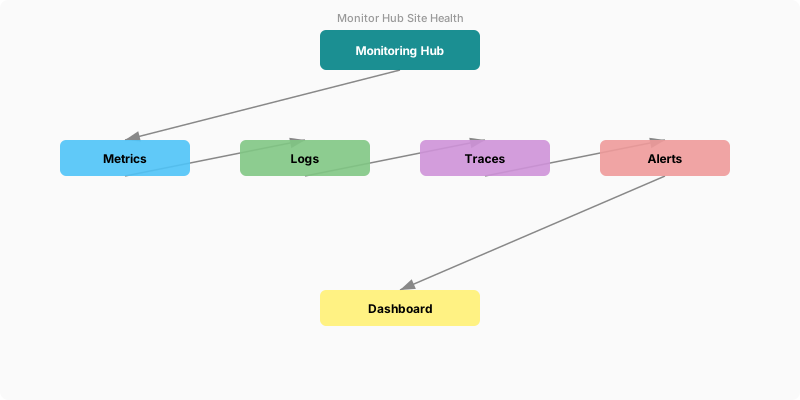
Figure: SharePoint hub site – connected sites navigation and news web parts.
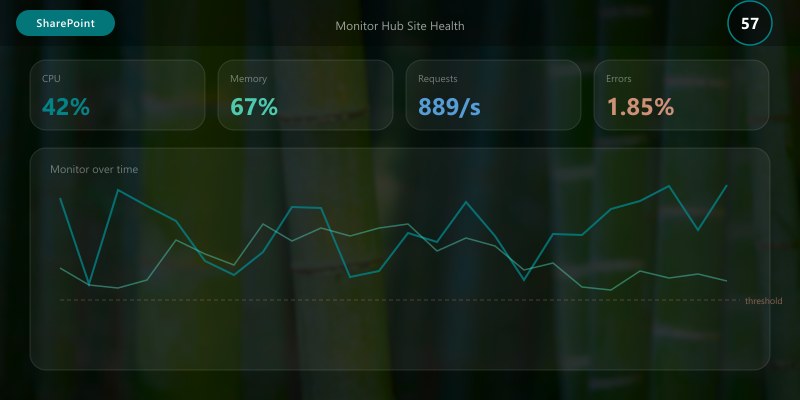
## Hub site health check script
function Get-HubSiteHealth {
> **Architecture Overview:** param(
$healthMetrics | Export-Csv -Path "HubSiteHealth_$(Get-Date -Format 'yyyyMMdd').csv" -NoTypeInformation
Write-Host "`n✓ Health metrics exported to CSV" -ForegroundColor Green```
}
Expected output:
Connected to https://contoso.sharepoint.com

Audit Hub Site Associations
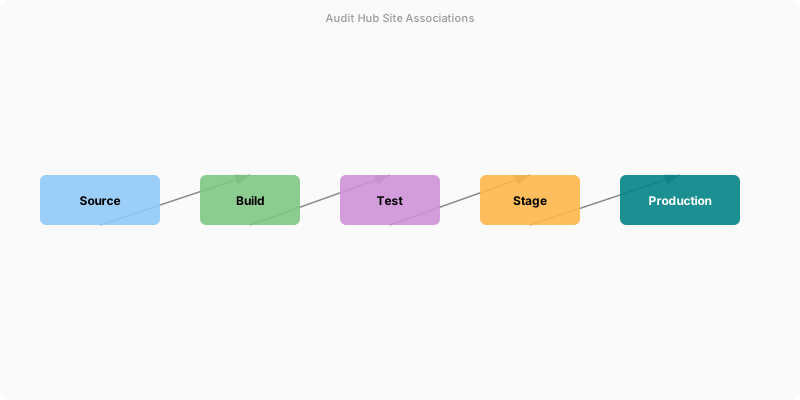
Figure: SharePoint hub site – connected sites navigation and news web parts.
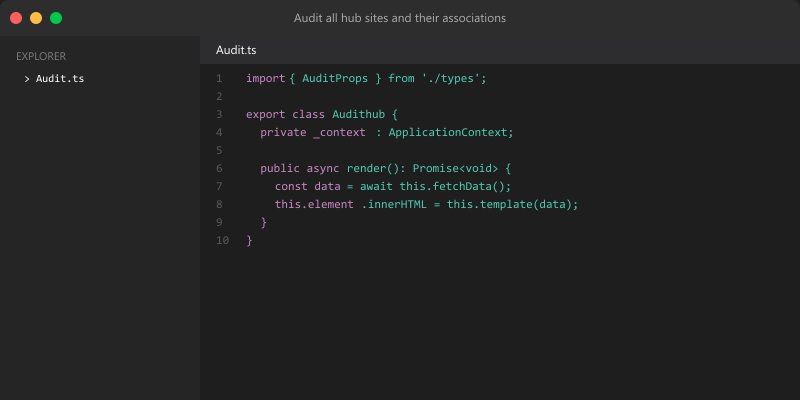
## Audit all hub sites and their associations
function Get-HubSiteAudit {
```powershell
$tenantUrl = "https://contoso-admin.sharepoint.com"
Connect-PnPOnline -Url $tenantUrl -Interactive
Write-Host "Auditing all hub sites..." -ForegroundColor Cyan
## Get all hub sites
$hubSites = Get-PnPHubSite
$auditReport = @()
foreach ($hub in $hubSites) {
Write-Host "`nProcessing: $($hub.Title)" -ForegroundColor Yellow
# Get associated sites
$associatedSites = Get-PnPHubSiteChild -Identity $hub.ID
# Get hub admins
Connect-PnPOnline -Url $hub.SiteUrl -Interactive
$site = Get-PnPSite
$owners = $site.Owner
# Create report entry
$reportEntry = [PSCustomObject]@{
HubTitle = $hub.Title
HubUrl = $hub.SiteUrl
HubID = $hub.ID
AssociatedSitesCount = $associatedSites.Count
AssociatedSites = ($associatedSites.Title -join "; ")
Owners = $owners.Email
LastModified = $site.LastContentModifiedDate
Status = if ($associatedSites.Count -eq 0) { "No Associations" } else { "Active" }
}
$auditReport += $reportEntry
Write-Host " Sites: $($associatedSites.Count)" -ForegroundColor Gray
}
## Export audit report
$reportPath = "HubSiteAudit_$(Get-Date -Format 'yyyyMMdd_HHmmss').csv"
$auditReport | Export-Csv -Path $reportPath -NoTypeInformation
Write-Host "`n✓ Audit complete: $reportPath" -ForegroundColor Green
## Display summary
Write-Host "`nAudit Summary:" -ForegroundColor Yellow
Write-Host " Total Hub Sites: $($hubSites.Count)" -ForegroundColor White
Write-Host " Total Associated Sites: $(($auditReport | Measure-Object -Property AssociatedSitesCount -Sum).Sum)" -ForegroundColor White
Write-Host " Active Hubs: $(($auditReport | Where-Object {$_.Status -eq 'Active'}).Count)" -ForegroundColor Green
Write-Host " Inactive Hubs: $(($auditReport | Where-Object {$_.Status -eq 'No Associations'}).Count)" -ForegroundColor Yellow
return $auditReport```
}
## Run audit
$auditReport = Get-HubSiteAudit
$auditReport | Format-Table -AutoSize
Expected output:
Connected to https://contoso.sharepoint.com

Step 8: Advanced Automation
Automate Hub Site Provisioning (Complete Solution)
Diagram: See the official Microsoft documentation for architecture details.
Expected output:
Connected to https://contoso.sharepoint.com

Best Practices Summary
DO:
- ✅ Plan hub site hierarchy before implementation
- ✅ Use semantic URLs (/sites/department-name)
- ✅ Limit hub sites (5-15 per tenant typically)
- ✅ Apply consistent branding across hubs
- ✅ Configure shared navigation early
- ✅ Set up news aggregation on hub homes
- ✅ Document governance and ownership
- ✅ Monitor hub site health regularly
- ✅ Train site owners on hub concepts
- ✅ Use PnP PowerShell for automation
DON'T:
- ❌ Create too many hub sites (causes confusion)
- ❌ Associate sites with multiple hubs
- ❌ Skip permission planning
- ❌ Forget to configure search scope
- ❌ Ignore governance and lifecycle management
- ❌ Over-nest hub hierarchies (keep flat)
- ❌ Use hub sites for temporary projects
- ❌ Skip training for site owners
- ❌ Neglect regular audits
- ❌ Hard-code URLs in navigation
Architecture Decision and Tradeoffs
When designing content management and collaboration solutions with SharePoint, consider these key architectural trade-offs:
| Approach | Best For | Tradeoff |
|---|---|---|
| Managed / platform service | Rapid delivery, reduced ops burden | Less customisation, potential vendor lock-in |
| Custom / self-hosted | Full control, advanced tuning | Higher operational overhead and cost |
Recommendation: Start with the managed approach for most workloads and move to custom only when specific requirements demand it.
Validation and Versioning
- Last validated: April 2026
- Validate examples against your tenant, region, and SKU constraints before production rollout.
- Keep module, CLI, and SDK versions pinned in automation pipelines and review quarterly.
Security and Governance Considerations
- Apply least-privilege access using RBAC roles and just-in-time elevation for admin tasks.
- Store secrets in managed secret stores and avoid embedding credentials in scripts or source files.
- Enable audit logging, data protection policies, and periodic access reviews for regulated workloads.
Cost and Performance Notes
- Define budgets and alerts, then monitor usage and cost trends continuously after go-live.
- Baseline performance with synthetic and real-user checks before and after major changes.
- Scale resources with measured thresholds and revisit sizing after usage pattern changes.
Official Microsoft References
- https://learn.microsoft.com/sharepoint/
- https://learn.microsoft.com/microsoft-365/enterprise/
- https://learn.microsoft.com/purview/
Public Examples from Official Sources
- These examples are sourced from official public Microsoft documentation and sample repositories.
- Documentation examples: https://learn.microsoft.com/sharepoint/dev/
- Sample repositories: https://github.com/SharePoint/sp-dev-docs
- Prefer adapting these examples to your tenant, subscriptions, and governance requirements before production use.
Key Takeaways
- Hub sites connect your intranet - Unified navigation, search, and branding across related sites
- Planning is critical - Map your org structure to hub architecture before building
- Governance ensures success - Define ownership, review cycles, and compliance requirements
- Automation scales deployment - PnP PowerShell enables enterprise-wide provisioning
- Aggregated content drives engagement - News rollups and events keep users informed
- Permissions matter - Hub admins control associations, site owners manage content
- Monitoring prevents issues - Regular health checks identify problems early
- Search scope unifies discovery - Users find content across all associated sites
- Branding creates consistency - Shared themes and navigation improve UX
- Documentation drives adoption - Clear governance and training accelerate usage
Additional Resources
- SharePoint Hub Sites Overview
- PnP PowerShell Hub Site Cmdlets
- Hub Site Planning Guide
- SharePoint Online Limits
- Microsoft 365 Learning Pathways
Next Steps
- Assess current structure: Map existing sites to logical hubs
- Create pilot hub: Start with one department (e.g., HR or IT)
- Define governance: Document policies, owners, and review cycles
- Automate provisioning: Build PowerShell scripts for consistency
- Train site owners: Conduct workshops on hub site concepts
- Roll out incrementally: Deploy one hub at a time, gather feedback
- Monitor and optimize: Use health checks and audits to improve
- Scale across organization: Apply learnings to remaining departments
Ready to unify your SharePoint environment? Start with a pilot hub site for your most mature department—you'll immediately see the benefits of connected navigation and aggregated content!
```
