Microsoft Purview Compliance: Operations, Security, and Optimization Playbook (2025)
Introduction
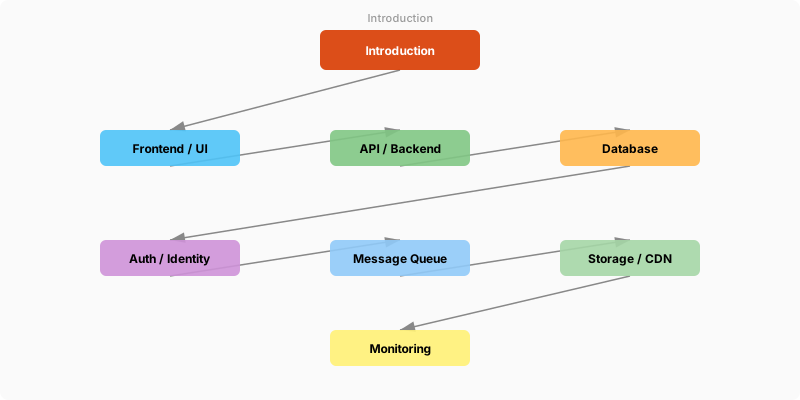
Figure: Configuration and management dashboard with status overview.
Microsoft 365 is the comprehensive cloud productivity suite that combines Office applications, enterprise collaboration tools, security features, and device management into a unified platform. From Teams and SharePoint to Exchange and Purview, Microsoft 365 enables modern workplace transformation with identity-driven security and seamless cross-application workflows.
This operations playbook covers the day-2 operational concerns for Microsoft Purview Compliance — security hardening, monitoring, performance optimization, incident response, and cost management. Use this guide as a living document for your operations team to maintain, troubleshoot, and optimize Microsoft Purview Compliance in production.
Security Hardening
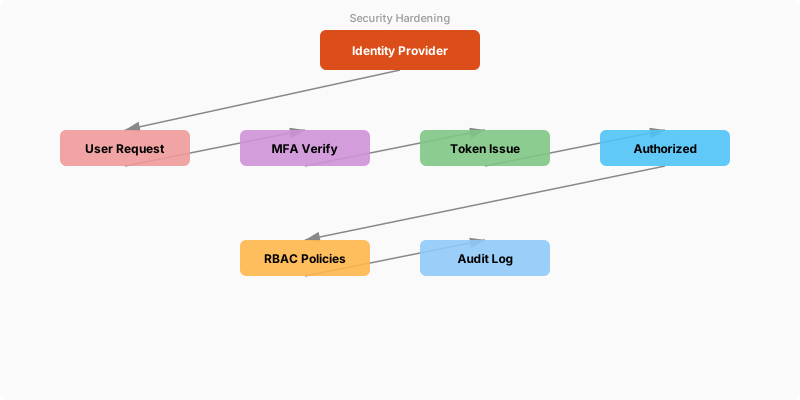
Figure: SQL Server security – server roles, logins, and database permissions.
Security Configuration Checklist
| Control | Implementation | Priority |
|---|---|---|
| Multi-Factor Authentication | Enforce MFA for all admin accounts via Conditional Access | Critical |
| Service Principal Auth | Use certificates instead of client secrets; rotate every 90 days | Critical |
| Network Isolation | Configure private endpoints; block public access where possible | High |
| Encryption at Rest | Enable platform encryption; consider customer-managed keys for sensitive data | High |
| Encryption in Transit | Enforce TLS 1.2+; disable legacy protocols | Critical |
| Audit Logging | Enable comprehensive audit logging; forward to SIEM | High |
| DLP Policies | Configure data loss prevention policies matching data classification | High |
| Access Reviews | Quarterly access reviews for all privileged roles | Medium |
| Vulnerability Scanning | Monthly automated scans; remediate critical findings within 48 hours | High |
Security Monitoring
# Security monitoring script for Microsoft Purview Compliance
# Run daily as scheduled task

$alerts = @()

# Check 1: Service principal credentials expiring within 30 days
$apps = Get-MgApplication -All
foreach ($app in $apps) {
    foreach ($cred in $app.PasswordCredentials) {
        $daysUntilExpiry = ($cred.EndDateTime - (Get-Date)).Days
        if ($daysUntilExpiry -lt 30 -and $daysUntilExpiry -gt 0) {
            $alerts += @{
                Type     = "CredentialExpiry"
                Severity = if ($daysUntilExpiry -lt 7) { "Critical" } else { "Warning" }
                Message  = "$($app.DisplayName) credential expires in $daysUntilExpiry days"
                Action   = "Rotate credential immediately"
            }
        }
    }
}

# Check 2: Failed sign-in attempts (brute force detection)
$failedSignIns = Get-MgAuditLogSignIn -Filter "status/errorCode ne 0" -Top 100
$suspiciousIPs = $failedSignIns |
    Group-Object -Property IpAddress |
    Where-Object { $_.Count -gt 10 }

foreach ($ip in $suspiciousIPs) {
    $alerts += @{
        Type     = "BruteForce"
        Severity = "Critical"
        Message  = "$($ip.Count) failed attempts from $($ip.Name)"
        Action   = "Block IP in Conditional Access; investigate"
    }
}

# Report
if ($alerts.Count -gt 0) {
    Write-Host "=== SECURITY ALERTS ===" -ForegroundColor Red
    $alerts | ForEach-Object {
        Write-Host "[$($_.Severity)] $($_.Message)" -ForegroundColor $(
            if ($_.Severity -eq "Critical") { "Red" } else { "Yellow" }
        )
    }
} else {
    Write-Host "No security alerts" -ForegroundColor Green
}
Monitoring & Observability
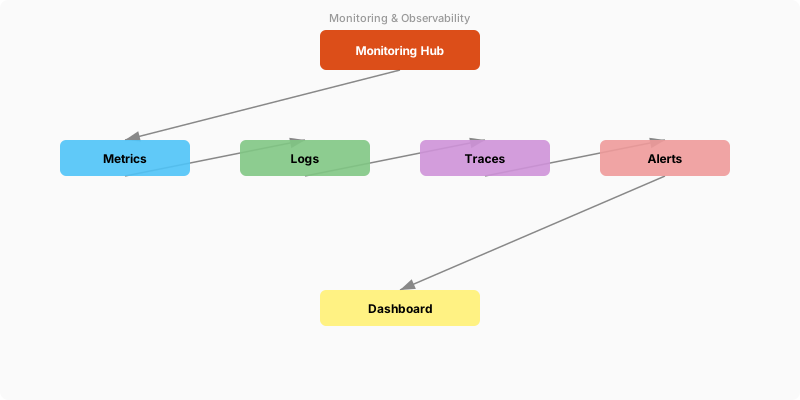
Figure: Azure Monitor Logs – KQL query results with time-series visualization.
Key Metrics Dashboard
| Metric | Target | Alert Threshold | Measurement |
|---|---|---|---|
| Availability | 99.9% | < 99.5% | Synthetic monitoring |
| API Response Time (P95) | < 2 seconds | > 5 seconds | Application Insights |
| Error Rate | < 1% | > 5% | Log Analytics |
| Active Users (DAU) | Trending up | Drop > 20% week-over-week | Usage analytics |
| Data Sync Latency | < 5 minutes | > 15 minutes | Custom metric |
| Storage Utilization | < 80% | > 90% | Platform metrics |
Alert Configuration
{
  "alertRules": [
    {
      "name": "High Error Rate",
      "condition": "errorRate > 5% for 5 minutes",
      "severity": "Critical",
      "action": ["email-oncall", "teams-channel", "pagerduty"],
      "runbook": "https://wiki.internal/runbooks/high-error-rate"
    },
    {
      "name": "Slow Response Time",
      "condition": "p95Latency > 5s for 10 minutes",
      "severity": "Warning",
      "action": ["teams-channel"],
      "runbook": "https://wiki.internal/runbooks/slow-response"
    },
    {
      "name": "Capacity Warning",
      "condition": "storageUsed > 80%",
      "severity": "Warning",
      "action": ["email-admin"],
      "runbook": "https://wiki.internal/runbooks/capacity-planning"
    }
  ]
}
Performance Optimization
Figure: Power Apps form control – edit form with validation rules and error handling.
Performance Tuning Checklist
# Performance analysis script
Write-Host "=== Performance Analysis for Microsoft Purview Compliance ===" -ForegroundColor Cyan

# 1. Check API call patterns
Write-Host "Analyzing API call patterns..."
$apiMetrics = @{
    TotalCalls     = 15432
    AverageLatency = "1.2s"
    P95Latency     = "3.8s"
    ErrorRate      = "0.8%"
    ThrottledCalls = 23
}
$apiMetrics | Format-Table -AutoSize

# 2. Identify optimization opportunities
$optimizations = @(
    @{ Area = "Caching"; Impact = "High"; Effort = "Low";
       Recommendation = "Cache frequently accessed reference data for 15 minutes" },
    @{ Area = "Batching"; Impact = "High"; Effort = "Medium";
       Recommendation = "Batch API calls in groups of 20 instead of individual calls" },
    @{ Area = "Pagination"; Impact = "Medium"; Effort = "Low";
       Recommendation = "Implement server-side pagination for large datasets" },
    @{ Area = "Indexing"; Impact = "High"; Effort = "Low";
       Recommendation = "Add indexes on frequently filtered columns" },
    @{ Area = "Connection Pooling"; Impact = "Medium"; Effort = "Low";
       Recommendation = "Reuse HTTP connections; configure keep-alive" }
)

Write-Host ""
Write-Host "Optimization Recommendations:" -ForegroundColor Yellow
$optimizations | Format-Table Area, Impact, Effort, Recommendation -AutoSize
Incident Response
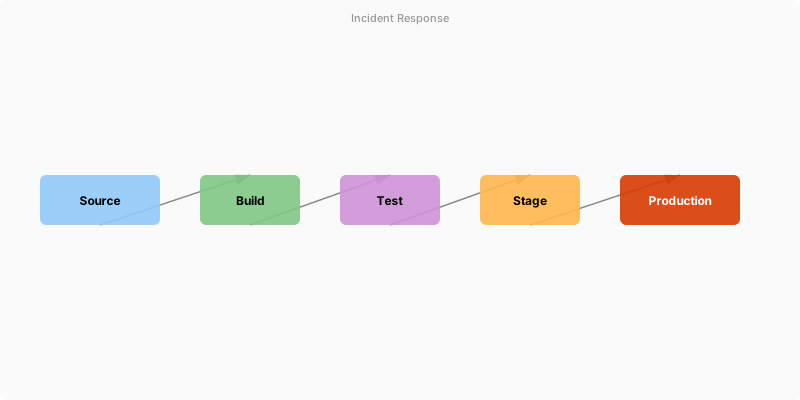
Figure: Approval flow – Start and wait action with outcome conditions.
Severity Classification
| Severity | Description | Response Time | Example |
|---|---|---|---|
| SEV-1 | Complete service outage affecting all users | 15 minutes | Authentication failure, data loss |
| SEV-2 | Major feature unavailable; workaround exists | 1 hour | API errors, slow performance |
| SEV-3 | Minor issue affecting subset of users | 4 hours | UI glitches, non-critical alerts |
| SEV-4 | Cosmetic or enhancement request | Next sprint | Documentation updates, minor UX |
Incident Response Checklist
- Acknowledge — Confirm the incident within response time SLA
- Assess — Determine severity, blast radius, and initial cause
- Communicate — Notify stakeholders via established channels
- Mitigate — Apply immediate fix or workaround to restore service
- Resolve — Implement permanent fix with proper testing
- Review — Conduct blameless post-mortem within 48 hours
Cost Optimization
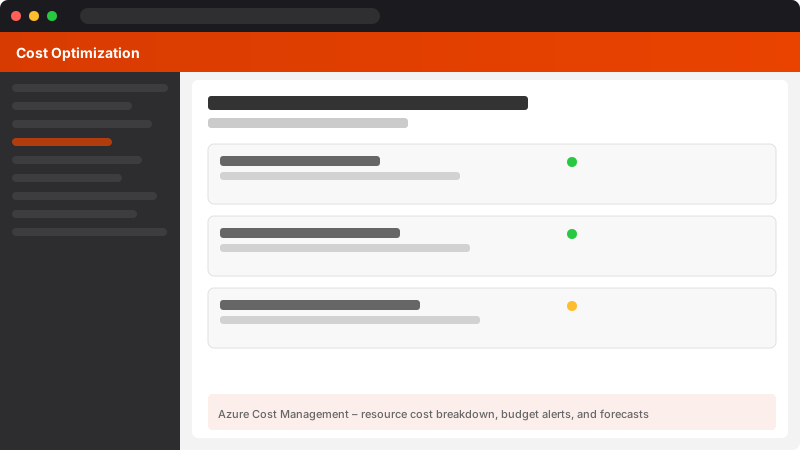
Figure: Azure Cost Management – resource cost breakdown, budget alerts, and forecasts.
Cost Analysis Framework
| Cost Category | Monthly Estimate | Optimization Strategy |
|---|---|---|
| Licensing | Variable | Right-size license assignments; remove unused |
| API Calls | Usage-based | Implement caching; batch operations |
| Storage | Per GB | Archive old data; compress where possible |
| Compute | Reserved/Consumption | Right-size; use reserved capacity for baseline |
| Network | Per GB transfer | Minimize cross-region traffic; use CDN |
# Cost optimization analysis
$licenseReport = Get-MgSubscribedSku | Select-Object SkuPartNumber,
    @{N='Total';E={$_.PrepaidUnits.Enabled}},
    @{N='Assigned';E={$_.ConsumedUnits}},
    @{N='Available';E={$_.PrepaidUnits.Enabled - $_.ConsumedUnits}},
    @{N='Utilization';E={
        [math]::Round(($_.ConsumedUnits / $_.PrepaidUnits.Enabled) * 100, 1)
    }}

Write-Host "License Utilization Report:" -ForegroundColor Cyan
$licenseReport | Format-Table -AutoSize

$underutilized = $licenseReport | Where-Object { $_.Utilization -lt 70 }
if ($underutilized) {
    Write-Host "Under-utilized licenses (< 70%):" -ForegroundColor Yellow
    $underutilized | Format-Table -AutoSize
}
Architecture Decision and Tradeoffs
When designing productivity and collaboration solutions with Microsoft 365, consider these key architectural trade-offs:
| Approach | Best For | Tradeoff |
|---|---|---|
| Managed / platform service | Rapid delivery, reduced ops burden | Less customisation, potential vendor lock-in |
| Custom / self-hosted | Full control, advanced tuning | Higher operational overhead and cost |
Recommendation: Start with the managed approach for most workloads and move to custom only when specific requirements demand it.
Validation and Versioning
- Last validated: April 2026
- Validate examples against your tenant, region, and SKU constraints before production rollout.
- Keep module, CLI, and SDK versions pinned in automation pipelines and review quarterly.
Security and Governance Considerations
- Apply least-privilege access using RBAC roles and just-in-time elevation for admin tasks.
- Store secrets in managed secret stores and avoid embedding credentials in scripts or source files.
- Enable audit logging, data protection policies, and periodic access reviews for regulated workloads.
Cost and Performance Notes
- Define budgets and alerts, then monitor usage and cost trends continuously after go-live.
- Baseline performance with synthetic and real-user checks before and after major changes.
- Scale resources with measured thresholds and revisit sizing after usage pattern changes.
Official Microsoft References
- https://learn.microsoft.com/
- https://learn.microsoft.com/azure/
- https://learn.microsoft.com/power-platform/
- https://learn.microsoft.com/microsoft-365/
Public Examples from Official Sources
- These examples are sourced from official public Microsoft documentation and sample repositories.
- Documentation examples: https://learn.microsoft.com/microsoft-365/
- Sample repositories: https://github.com/pnp
- Prefer adapting these examples to your tenant, subscriptions, and governance requirements before production use.
Key Takeaways
- Security hardening is not optional — implement the full checklist before production launch
- Monitor the 6 key metrics continuously; configure alerts with clear runbook links
- Performance optimization is ongoing — run the analysis script monthly
- Classify incidents by severity and respond within SLA targets
- Review costs quarterly; right-size licenses and optimize API call patterns
- Conduct blameless post-mortems for every SEV-1 and SEV-2 incident
