"header": [],
"url": {
"raw": "https://api.contoso.com/v1/users",
"protocol": "https",
"host": ["api", "contoso", "com"],
"path": ["v1", "users"]
}```
}
}
**Request with Authentication:**

```javascript
// Collection Variables
baseUrl = https://api.contoso.com
apiKey = your-api-key-here

// Request Header
{
  "Authorization": "Bearer {{accessToken}}",
  "X-API-Key": "{{apiKey}}"
}

// Pre-request Script (OAuth2 token)
pm.sendRequest({
```yaml
url: 'https://auth.contoso.com/oauth/token',
method: 'POST',
header: {
    'Content-Type': 'application/x-www-form-urlencoded'
},
body: {
    mode: 'urlencoded',
    urlencoded: [
        {key: 'grant_type', value: 'client_credentials'},
        {key: 'client_id', value: pm.environment.get('clientId')},
        {key: 'client_secret', value: pm.environment.get('clientSecret')}
    ]
}```
}, function (err, response) {
```text
if (response.code === 200) {
    pm.environment.set('accessToken', response.json().access_token);
}```
});
Test Scripts
Response Validation:
// Status code validation
pm.test("Status code is 200", function () {
```text
pm.response.to.have.status(200);```
});

// Response time check
pm.test("Response time is less than 500ms", function () {
```text
pm.expect(pm.response.responseTime).to.be.below(500);```
});

// JSON schema validation
const schema = {
```text
"type": "object",
"properties": {
    "userId": { "type": "number" },
    "username": { "type": "string" },
    "email": { "type": "string", "format": "email" }
},
"required": ["userId", "username"]```
};

pm.test("Schema is valid", function () {
```text
pm.response.to.have.jsonSchema(schema);```
});

// Body content validation
pm.test("User has correct email domain", function () {
```javascript
const jsonData = pm.response.json();
pm.expect(jsonData.email).to.include('@contoso.com');```
});
Data-Driven Testing:
# users.csv
userId,expectedName,expectedEmail
1,John Doe,john@contoso.com
2,Jane Smith,jane@contoso.com
Architecture Overview: Collection Runner → Select CSV file
const jsonData = pm.response.json();
pm.expect(jsonData.name).to.eql(pm.iterationData.get("expectedName"));
pm.expect(jsonData.email).to.eql(pm.iterationData.get("expectedEmail"));```
});
## Environment Management
**Development Environment:**
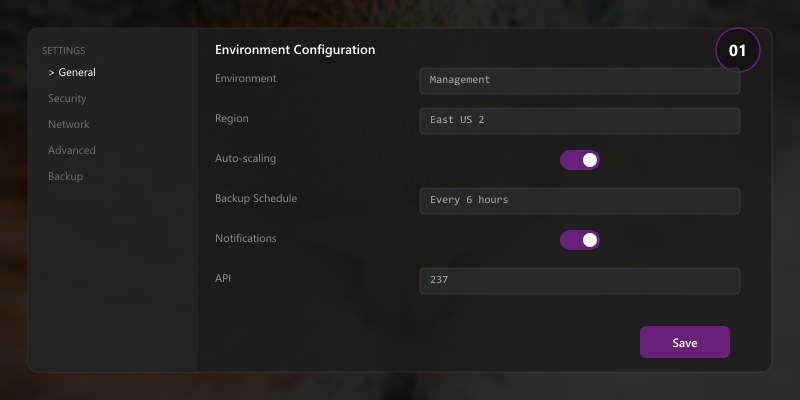
```json
{
"name": "Development",
"values": [
```json
{
"key": "baseUrl",
"value": "https://api-dev.contoso.com",
"enabled": true
},
{
"key": "clientId",
"value": "dev-client-id",
"enabled": true
}```
]
}
Switch Environments via CLI:
newman run collection.json \
  -e dev-environment.json \
  --reporters cli,json \
  --reporter-json-export results.json
VS Code REST Client
Figure: Windows Terminal – split panes with PowerShell, Bash, and CLI sessions.
Basic Requests
.http File:
### Get all users
GET https://api.contoso.com/v1/users HTTP/1.1
Authorization: Bearer {{$dotenv TOKEN}}

### Create user
POST https://api.contoso.com/v1/users HTTP/1.1
Content-Type: application/json
Authorization: Bearer {{$dotenv TOKEN}}

{
  "username": "johndoe",
  "email": "john@contoso.com",
  "role": "user"
}

### Update user
PUT https://api.contoso.com/v1/users/123 HTTP/1.1
Content-Type: application/json
Authorization: Bearer {{$dotenv TOKEN}}

{
  "email": "john.doe@contoso.com"
}

### Delete user
DELETE https://api.contoso.com/v1/users/123 HTTP/1.1
Authorization: Bearer {{$dotenv TOKEN}}
Variables and Environment
Environment Variables (.env):
TOKEN=eyJhbGciOiJIUzI1NiIsInR5cCI6IkpXVCJ9...
BASE_URL=https://api.contoso.com
API_VERSION=v1
Request Variables:
@baseUrl = {{$dotenv BASE_URL}}
@apiVersion = {{$dotenv API_VERSION}}
@contentType = application/json

### Get user by ID
@userId = 123

GET {{baseUrl}}/{{apiVersion}}/users/{{userId}} HTTP/1.1
Content-Type: {{contentType}}
Authorization: Bearer {{$dotenv TOKEN}}

### Use response in next request
@authToken = {{login.response.body.$.token}}

POST {{baseUrl}}/{{apiVersion}}/protected HTTP/1.1
Authorization: Bearer {{authToken}}
Pre-Request Scripts
Dynamic Headers:
## @name login
POST https://api.contoso.com/v1/auth/login HTTP/1.1
Content-Type: application/json
{
"username": "admin",
"password": "password123"
}
###
## Extract token from login response
@token = {{login.response.body.$.accessToken}}
GET https://api.contoso.com/v1/users HTTP/1.1
Authorization: Bearer {{token}}
Automated Testing with Newman
CLI Execution
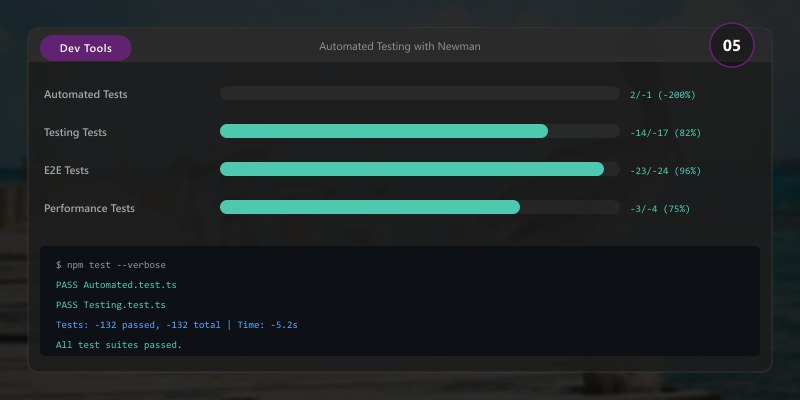
Basic Run:
## Install Newman
npm install -g newman

## Run collection
newman run collection.json \
  --environment production.json \
  --reporters cli,htmlextra \
  --reporter-htmlextra-export report.html
Expected output:
added 245 packages in 8s
found 0 vulnerabilities

Advanced Options:
newman run collection.json \
  --environment prod.json \
  --globals globals.json \
  --iteration-count 10 \
  --delay-request 1000 \
  --timeout-request 30000 \
  --bail \
  --reporters cli,json,junit \
  --reporter-junit-export results.xml
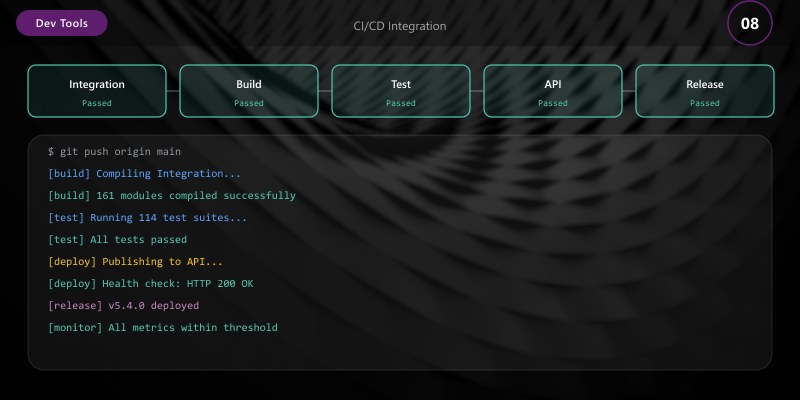
CI/CD Integration
GitHub Actions:
name: API Tests

on:
  push:
```yaml
branches: [main]```
  schedule:
```text
- cron: '0 */6 * * *'  # Every 6 hours
jobs:
api-tests:
runs-on: ubuntu-latest
steps:
  - uses: actions/checkout@v4

  - name: Setup Node.js
    uses: actions/setup-node@v4
    with:
      node-version: '20'

  - name: Install Newman
    run: npm install -g newman newman-reporter-htmlextra

  - name: Run API Tests


    run: |
      newman run postman/collection.json \
        --environment postman/prod.json \
        --reporters cli,htmlextra,junit \
        --reporter-htmlextra-export test-results/report.html \
        --reporter-junit-export test-results/results.xml
    env:
      API_KEY: ${{ secrets.API_KEY }}

  - name: Publish Test Results
    uses: dorny/test-reporter@v1
    if: always()
    with:
      name: API Test Results
      path: test-results/results.xml
      reporter: jest-junit

  - name: Upload HTML Report
    uses: actions/upload-artifact@v3
    if: always()
    with:
      name: test-report
      path: test-results/report.html
**Azure DevOps Pipeline:**

```yaml
trigger:
  branches:
```yaml
include:
  - main
pool:
vmImage: 'ubuntu-latest'
steps:
- task: NodeTool@0
inputs:
  versionSpec: '20.x'
- script: npm install -g newman newman-reporter-htmlextra
displayName: 'Install Newman'
- script: |
newman run $(System.DefaultWorkingDirectory)/postman/collection.json
--environment $(System.DefaultWorkingDirectory)/postman/prod.json
--reporters cli,htmlextra,junit
--reporter-htmlextra-export $(Build.ArtifactStagingDirectory)/report.html
--reporter-junit-export $(Build.ArtifactStagingDirectory)/results.xml
displayName: 'Run API Tests'
env:
  API_KEY: $(API_KEY)
- task: PublishTestResults@2
inputs:
  testResultsFormat: 'JUnit'
  testResultsFiles: '$(Build.ArtifactStagingDirectory)/results.xml'
condition: always()
- task: PublishBuildArtifacts@1
inputs:
  pathToPublish: '$(Build.ArtifactStagingDirectory)'
  artifactName: 'api-test-results'
condition: always()
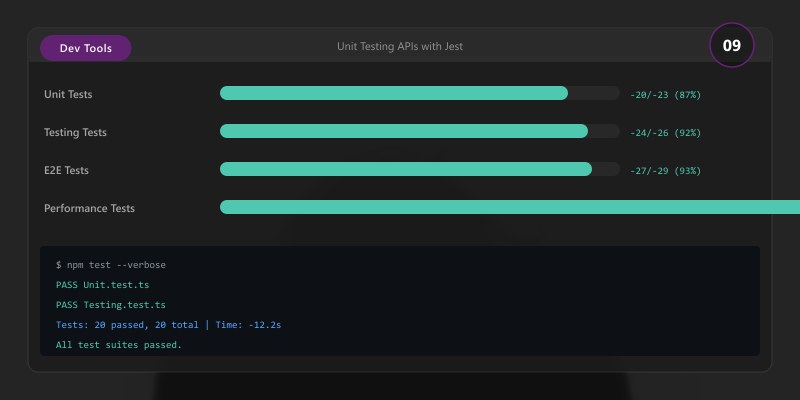
## Unit Testing APIs with Jest
### Setup
```bash
npm install --save-dev jest supertest @types/jest
Expected output:
added 245 packages in 8s
found 0 vulnerabilities

jest.config.js:
module.exports = {
  testEnvironment: 'node',
  coveragePathIgnorePatterns: ['/node_modules/'],
  testMatch: ['**/__tests__/**/*.test.js'],
  collectCoverageFrom: ['src/**/*.js'],
  coverageThreshold: {
```yaml
global: {
  branches: 80,
  functions: 80,
  lines: 80,
  statements: 80
}```
  }
};
Testing Express API
__tests__/users.test.js:
const request = require('supertest');
const app = require('../src/app');
const { setupDatabase, clearDatabase } = require('./fixtures/db');

beforeAll(async () => {
  await setupDatabase();
});

afterAll(async () => {
  await clearDatabase();
});

describe('Users API', () => {
  describe('GET /api/users', () => {
```javascript
test('should return all users', async () => {
  const response = await request(app)
    .get('/api/users')
    .set('Authorization', 'Bearer valid-token')
    .expect(200);

  expect(response.body).toHaveLength(3);
  expect(response.body[0]).toHaveProperty('id');
  expect(response.body[0]).toHaveProperty('username');
});

test('should return 401 without authentication', async () => {
  await request(app)
    .get('/api/users')
    .expect(401);
});```
  });

  describe('POST /api/users', () => {
```javascript
test('should create new user', async () => {
  const newUser = {
    username: 'testuser',
    email: 'test@contoso.com',
    password: 'SecurePass123!'
  };

  const response = await request(app)
    .post('/api/users')
    .send(newUser)
    .expect(201);

  expect(response.body).toHaveProperty('id');
  expect(response.body.username).toBe(newUser.username);
  expect(response.body).not.toHaveProperty('password');
});

test('should validate required fields', async () => {
  const response = await request(app)
    .post('/api/users')
    .send({ username: 'testuser' })
    .expect(400);

  expect(response.body.errors).toContainEqual(
    expect.objectContaining({ field: 'email' })
  );
});```
  });

  describe('PUT /api/users/:id', () => {
```javascript
test('should update existing user', async () => {
  const response = await request(app)
    .put('/api/users/1')
    .set('Authorization', 'Bearer valid-token')
    .send({ email: 'updated@contoso.com' })
    .expect(200);

  expect(response.body.email).toBe('updated@contoso.com');
});```
  });

  describe('DELETE /api/users/:id', () => {
```javascript
test('should delete user', async () => {
  await request(app)
    .delete('/api/users/1')
    .set('Authorization', 'Bearer admin-token')
    .expect(204);

  // Verify deletion
  await request(app)
    .get('/api/users/1')
    .expect(404);
});```
  });
});
Mocking External APIs
__tests__/orders.test.js:
const nock = require('nock');
const request = require('supertest');
const app = require('../src/app');

describe('Orders API with External Dependencies', () => {
  afterEach(() => {
```text
nock.cleanAll();```
  });

  test('should process order with payment gateway', async () => {
```javascript
// Mock payment gateway API
nock('https://payment-gateway.contoso.com')
  .post('/api/v1/charge')
  .reply(200, { transactionId: 'txn_123', status: 'success' });

// Mock inventory service
nock('https://inventory-service.contoso.com')
  .post('/api/v1/reserve')
  .reply(200, { reserved: true });

const order = {
  customerId: 1,
  items: [{ productId: 101, quantity: 2 }],
  paymentMethod: 'credit_card'
};

const response = await request(app)
  .post('/api/orders')
  .send(order)
  .expect(201);

expect(response.body.status).toBe('confirmed');
expect(response.body.transactionId).toBe('txn_123');```
  });
});
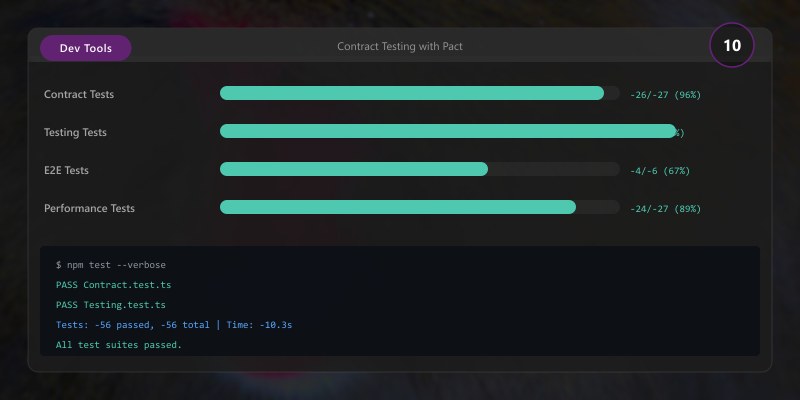
Contract Testing with Pact
Provider Contract
__tests__/pact/provider.test.js:
const { Verifier } = require('@pact-foundation/pact');
const app = require('../src/app');

describe('Pact Verification', () => {
  test('validates provider against consumer contracts', async () => {
```javascript
const server = app.listen(3000);

try {
  await new Verifier({
    provider: 'UserService',
    providerBaseUrl: 'http://localhost:3000',
    pactUrls: [
      'https://pact-broker.contoso.com/pacts/provider/UserService/consumer/WebApp/latest'
    ],
    publishVerificationResult: true,
    providerVersion: process.env.GIT_COMMIT,
    stateHandlers: {
      'user with ID 1 exists': async () => {
        // Setup test data
        await createTestUser({ id: 1, username: 'johndoe' });
      }
    }
  }).verifyProvider();
} finally {
  server.close();
}```
  });
});
Consumer Contract
__tests__/pact/consumer.test.js:
const { PactV3, MatchersV3 } = require('@pact-foundation/pact');
const { getUserById } = require('../src/userClient');

const provider = new PactV3({
  consumer: 'WebApp',
  provider: 'UserService'
});

describe('User Client', () => {
  test('retrieves user by ID', async () => {
```javascript
await provider
  .given('user with ID 1 exists')
  .uponReceiving('a request for user 1')
  .withRequest({
    method: 'GET',
    path: '/api/users/1',
    headers: { 'Accept': 'application/json' }
  })
  .willRespondWith({
    status: 200,
    headers: { 'Content-Type': 'application/json' },
    body: {
      id: MatchersV3.integer(1),
      username: MatchersV3.string('johndoe'),
      email: MatchersV3.regex('.*@.*', 'john@contoso.com')
    }
  })
  .executeTest(async (mockServer) => {
    const user = await getUserById(1, mockServer.url);
    expect(user.id).toBe(1);
    expect(user.username).toBe('johndoe');
  });```
  });
});
Performance Testing
Apache Bench (ab)
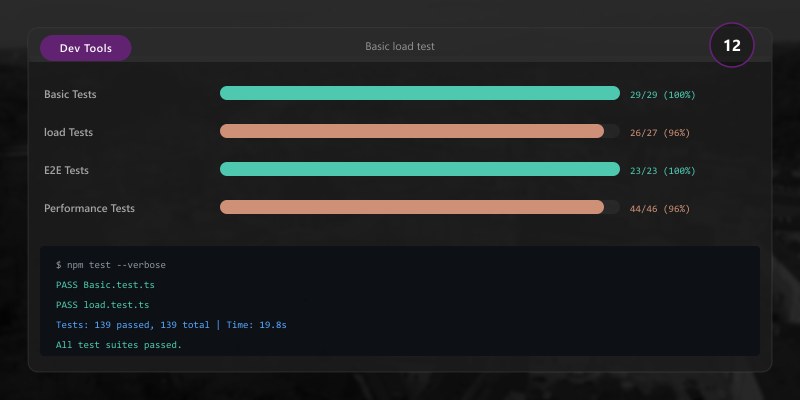
## Basic load test
ab -n 1000 -c 10 https://api.contoso.com/v1/users
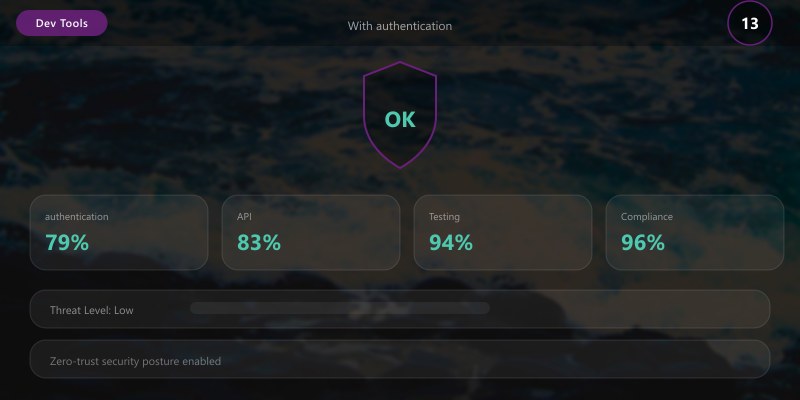
## With authentication
ab -n 1000 -c 10 \
-H "Authorization: Bearer token123" \
https://api.contoso.com/v1/users
## POST request
ab -n 1000 -c 10 \
-T application/json \
-p payload.json \
https://api.contoso.com/v1/users
k6 Load Testing
load-test.js:
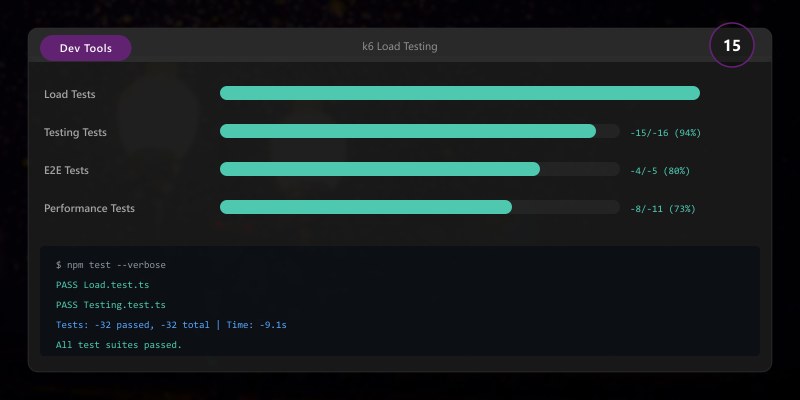
import http from 'k6/http';
import { check, sleep } from 'k6';

export const options = {
  stages: [
```json
{ duration: '30s', target: 20 },  // Ramp up
{ duration: '1m', target: 20 },   // Stay at 20 users
{ duration: '30s', target: 0 }    // Ramp down```
  ],
  thresholds: {
```yaml
http_req_duration: ['p(95)<500'],  // 95% requests < 500ms
http_req_failed: ['rate<0.01']      // Error rate < 1%```
  }
};

export default function () {
  const response = http.get('https://api.contoso.com/v1/users', {
```yaml
headers: { 'Authorization': 'Bearer token123' }```
  });

  check(response, {
```javascript
'status is 200': (r) => r.status === 200,
'response time < 500ms': (r) => r.timings.duration < 500```
  });

  sleep(1);
}
Run Load Test:
k6 run load-test.js
## Cloud execution
k6 cloud load-test.js
Best Practices
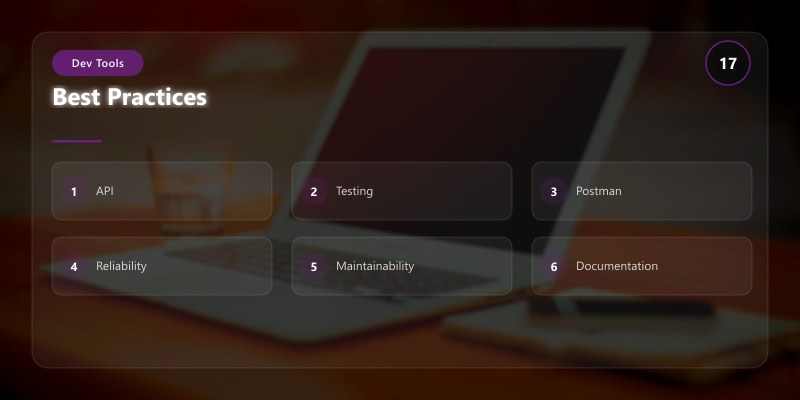
- Test Pyramid: More unit tests, fewer integration tests, minimal E2E tests
- Idempotency: Ensure tests can run multiple times without side effects
- Test Data Isolation: Each test creates/cleans up its own data
- Mock External Services: Use nock or similar to avoid dependencies
- Environment Variables: Never hardcode credentials in collections
- Version Control: Commit Postman collections and
.httpfiles - Continuous Validation: Run API tests on every deployment
- Contract Testing: Validate API compatibility between services
Troubleshooting
Postman SSL Errors:
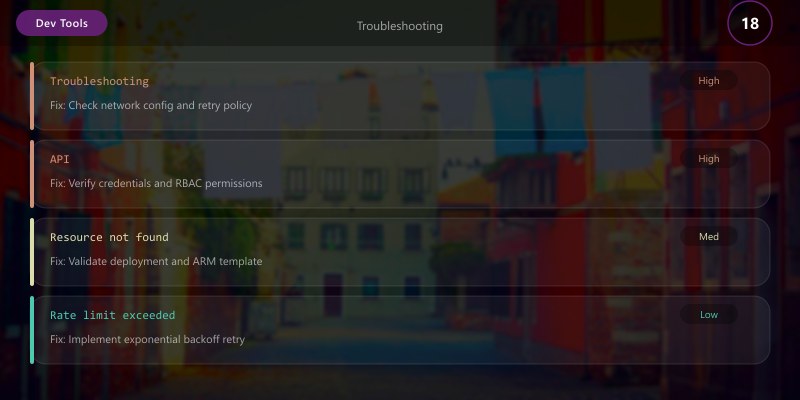
Architecture Overview: ## Disable SSL verification (development only)
Newman Timeout Issues:
## Increase timeout
newman run collection.json --timeout-request 60000
Jest Watch Mode:
## Run tests in watch mode
npm test -- --watch
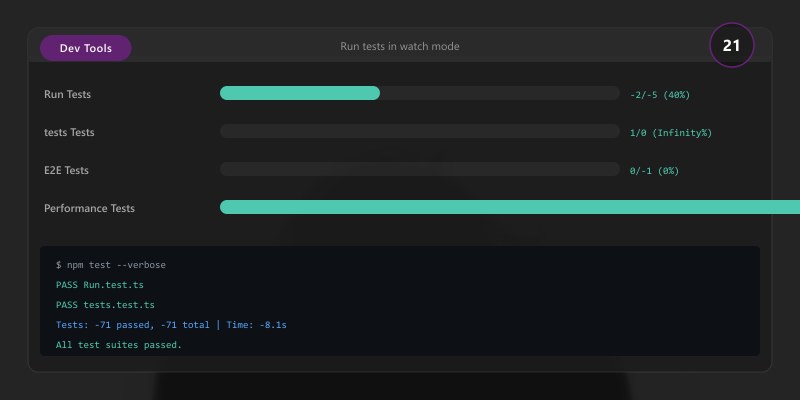
Expected output:
Test Files  3 passed (3)
      Tests  26 passed (26)
   Duration  1.23s

Architecture Decision and Tradeoffs
When designing development workflow solutions with Developer Tools, consider these key architectural trade-offs:
| Approach | Best For | Tradeoff |
|---|---|---|
| Managed / platform service | Rapid delivery, reduced ops burden | Less customisation, potential vendor lock-in |
| Custom / self-hosted | Full control, advanced tuning | Higher operational overhead and cost |
Recommendation: Start with the managed approach for most workloads and move to custom only when specific requirements demand it.
Validation and Versioning
- Last validated: April 2026
- Validate examples against your tenant, region, and SKU constraints before production rollout.
- Keep module, CLI, and SDK versions pinned in automation pipelines and review quarterly.
Security and Governance Considerations
- Apply least-privilege access using RBAC roles and just-in-time elevation for admin tasks.
- Store secrets in managed secret stores and avoid embedding credentials in scripts or source files.
- Enable audit logging, data protection policies, and periodic access reviews for regulated workloads.
Cost and Performance Notes
- Define budgets and alerts, then monitor usage and cost trends continuously after go-live.
- Baseline performance with synthetic and real-user checks before and after major changes.
- Scale resources with measured thresholds and revisit sizing after usage pattern changes.
Official Microsoft References
- https://learn.microsoft.com/visualstudio/
- https://learn.microsoft.com/azure/devops/
- https://learn.microsoft.com/github/
Public Examples from Official Sources
- These examples are sourced from official public Microsoft documentation and sample repositories.
- Documentation examples: https://learn.microsoft.com/visualstudio/
- Sample repositories: https://github.com/microsoft/vscode-extension-samples
- Prefer adapting these examples to your tenant, subscriptions, and governance requirements before production use.
Key Takeaways
- Postman provides comprehensive manual testing with scripting capabilities
- VS Code REST Client offers lightweight, version-controlled API testing
- Newman enables automated API testing in CI/CD pipelines
- Jest with supertest validates API behavior at the unit level
- Contract testing with Pact ensures API compatibility across services
Next Steps
- Explore GraphQL testing with Postman and GraphQL Playground
- Implement API monitoring with Postman Monitors or Datadog Synthetics
- Learn gRPC testing with grpcurl and Postman
- Investigate chaos engineering for API resilience testing
Additional Resources
Test early, test often, automate everything.