Azure Storage Deep Dive: Blobs, Files, Queues, and Tables
"blobTypes": ["blockBlob"],
"prefixMatch": ["logs/"]
},
"actions": {
"baseBlob": {
"tierToCool": {
"daysAfterModificationGreaterThan": 30
},
"tierToArchive": {
"daysAfterModificationGreaterThan": 90
},
"delete": {
"daysAfterModificationGreaterThan": 365
}
},
"snapshot": {
"delete": {
"daysAfterCreationGreaterThan": 90
}
}
}
}
}```
]
}
**Apply Policy:**

```bash
az storage account management-policy create \
  --account-name contosostorage \
  --policy @lifecycle-policy.json


_Figure: Lifecycle transitions—Hot → Cool (30d) → Archive (90d) → Delete (365d)—with parallel snapshot cleanup path; visualizing JSON policy logic for faster comprehension._


> **Architecture Overview:** ### Step 4: Azure Files (SMB Shares)

az storage share create \
  --account-name contosostorage \
  --name teamfiles \
  --quota 100
Mount on Windows:
$connectTestResult = Test-NetConnection -ComputerName contosostorage.file.core.windows.net -Port 445
if ($connectTestResult.TcpTestSucceeded) {
```powershell
cmd.exe /C "cmdkey /add:`"contosostorage.file.core.windows.net`" /user:`"Azure\contosostorage`" /pass:`"<storage-key>`""

New-PSDrive -Name Z -PSProvider FileSystem -Root "\\contosostorage.file.core.windows.net\teamfiles" -Persist```
}
Mount on Linux:
sudo mkdir /mnt/teamfiles

sudo mount -t cifs //contosostorage.file.core.windows.net/teamfiles /mnt/teamfiles \
  -o vers=3.0,username=contosostorage,password=<storage-key>,dir_mode=0777,file_mode=0777,serverino
Persistent Mount (fstab):
echo "//contosostorage.file.core.windows.net/teamfiles /mnt/teamfiles cifs nofail,vers=3.0,credentials=/etc/smbcredentials/contosostorage.cred,dir_mode=0777,file_mode=0777,serverino" | sudo tee -a /etc/fstab
Step 5: Queue Storage for Messaging
Add Message:
az storage message put \
  --queue-name orders \
  --content "Order #12345 ready for processing" \
  --account-name contosostorage
C# Queue Processing:
using Azure.Storage.Queues;

var queueClient = new QueueClient(connectionString, "orders");
await queueClient.CreateIfNotExistsAsync();

// Send message
await queueClient.SendMessageAsync("Order #12345");

// Receive and process
QueueMessage[] messages = await queueClient.ReceiveMessagesAsync(maxMessages: 10, visibilityTimeout: TimeSpan.FromMinutes(5));

foreach (var message in messages)
{
```text
Console.WriteLine($"Processing: {message.MessageText}");

try
{
    // Process order
    await ProcessOrder(message.MessageText);

    // Delete after successful processing
    await queueClient.DeleteMessageAsync(message.MessageId, message.PopReceipt);
}
catch (Exception ex)
{
    // Message will reappear after visibility timeout
    Console.WriteLine($"Error: {ex.Message}");
}```
}
Poison Queue Pattern:
if (message.DequeueCount > 5)
{
```text
// Move to poison queue
var poisonQueueClient = new QueueClient(connectionString, "orders-poison");
await poisonQueueClient.SendMessageAsync(message.MessageText);
await queueClient.DeleteMessageAsync(message.MessageId, message.PopReceipt);```
}
Step 6: Table Storage (NoSQL)
Create Table:
az storage table create \
  --name Customers \
  --account-name contosostorage
C# CRUD Operations:
using Azure.Data.Tables;

var tableClient = new TableClient(connectionString, "Customers");
await tableClient.CreateIfNotExistsAsync();

// Insert entity
var customer = new TableEntity("USA", "customer-001")
{
```text
{ "Name", "Acme Corp" },
{ "Email", "contact@acme.com" },
{ "AccountType", "Premium" }```
};
await tableClient.AddEntityAsync(customer);

// Query by partition key
await foreach (var entity in tableClient.QueryAsync<TableEntity>(e => e.PartitionKey == "USA"))
{
```text
Console.WriteLine($"{entity.RowKey}: {entity["Name"]}");```
}

// Update entity
customer["AccountType"] = "Enterprise";
await tableClient.UpdateEntityAsync(customer, ETag.All, TableUpdateMode.Replace);

// Delete entity
await tableClient.DeleteEntityAsync("USA", "customer-001");
Batch Operations:
var batch = new List<TableTransactionAction>();
batch.Add(new TableTransactionAction(TableTransactionActionType.Add, new TableEntity("USA", "cust-002") { { "Name", "Contoso" } }));
batch.Add(new TableTransactionAction(TableTransactionActionType.Add, new TableEntity("USA", "cust-003") { { "Name", "Fabrikam" } }));

await tableClient.SubmitTransactionAsync(batch);
Step 7: Security Best Practices
Shared Access Signature (SAS):
var sasBuilder = new BlobSasBuilder
{
```text
BlobContainerName = "documents",
BlobName = "report.pdf",
Resource = "b",
StartsOn = DateTimeOffset.UtcNow,
ExpiresOn = DateTimeOffset.UtcNow.AddHours(1)```
};
sasBuilder.SetPermissions(BlobSasPermissions.Read);

var sasToken = sasBuilder.ToSasQueryParameters(new StorageSharedKeyCredential(accountName, accountKey)).ToString();
var sasUri = $"{blobClient.Uri}?{sasToken}";
Managed Identity Access:
var blobServiceClient = new BlobServiceClient(
```text
new Uri("https://contosostorage.blob.core.windows.net"),
new DefaultAzureCredential()```
);
RBAC Roles:
az role assignment create \
  --assignee <user-principal-id> \
  --role "Storage Blob Data Contributor" \
  --scope /subscriptions/.../resourceGroups/rg-storage/providers/Microsoft.Storage/storageAccounts/contosostorage
Expected output:
{ "roleDefinitionName": "Key Vault Secrets Officer", "scope": "/subscriptions/xxxxxxxx/resourceGroups/rg-myapp" }

Step 8: Performance Optimization
Enable CDN for Blobs:
az cdn endpoint create \
  --resource-group rg-storage \
  --name contoso-cdn \
  --profile-name contoso-profile \
  --origin contosostorage.blob.core.windows.net \
  --origin-host-header contosostorage.blob.core.windows.net
Blob Index Tags for Fast Queries:
var tags = new Dictionary<string, string>
{
```text
{ "Project", "AlphaLaunch" },
{ "Department", "Engineering" },
{ "Status", "Active" }```
};
await blobClient.SetTagsAsync(tags);

// Query by tags
var query = @"""Project"" = 'AlphaLaunch' AND ""Status"" = 'Active'";
await foreach (var blob in blobServiceClient.FindBlobsByTagsAsync(query))
{
```text
Console.WriteLine(blob.BlobName);```
}
Parallel Uploads:
var uploadOptions = new BlobUploadOptions
{
```text
TransferOptions = new StorageTransferOptions
{
    MaximumTransferSize = 4 * 1024 * 1024, // 4 MB chunks
    MaximumConcurrency = 8
}```
};
await blobClient.UploadAsync(stream, uploadOptions);
Advanced Patterns
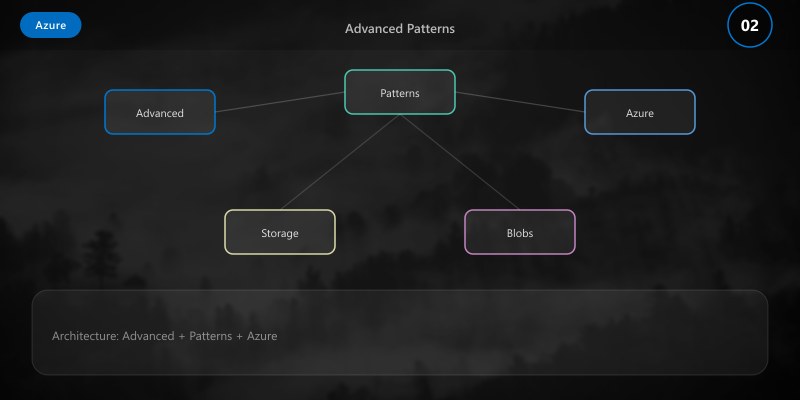
Pattern 1: Blob Change Feed for Event Processing
var changeFeedClient = blobServiceClient.GetBlobChangeFeedClient();
await foreach (var evt in changeFeedClient.GetChangesAsync())
{
```text
Console.WriteLine($"Event: {evt.EventType} - {evt.Subject}");

if (evt.EventType == BlobChangeFeedEventType.BlobCreated)
{
    // Trigger processing pipeline
}```
}
Pattern 2: Immutable Storage (WORM)
az storage container immutability-policy create \
  --account-name contosostorage \
  --container-name compliance \
  --period 2555 \
  --allow-protected-append-writes true
Pattern 3: Static Website Hosting
az storage blob service-properties update \
  --account-name contosostorage \
  --static-website \
  --index-document index.html \
  --404-document 404.html
Cost Optimization
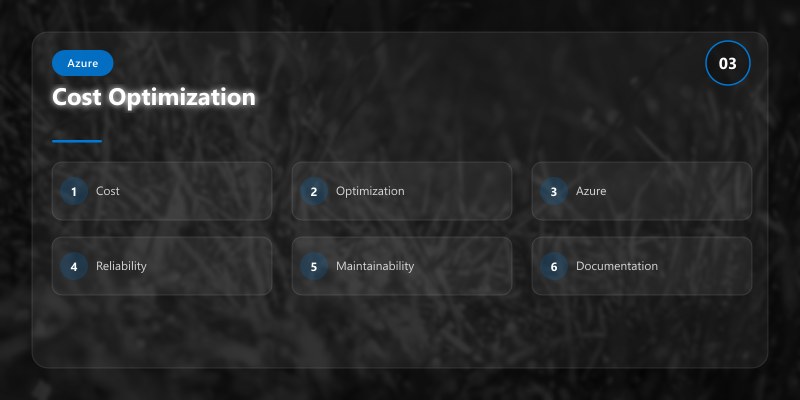
| Strategy | Savings | Implementation |
|---|---|---|
| Lifecycle tiering | 50-80% | Move old blobs to Cool/Archive |
| Reserved capacity | Up to 38% | 1-year or 3-year commitment |
| Delete orphaned snapshots | Varies | Lifecycle policy for snapshots |
| Use LRS vs GRS | 50% | If geo-redundancy not required |
Pricing Comparison (per GB/month):
- Hot: $0.0184
- Cool: $0.01 (30-day minimum)
- Archive: $0.002 (180-day minimum, retrieval fees apply)
Troubleshooting
Issue: 403 Forbidden error
Solution: Check SAS token expiration; verify RBAC role assignments; ensure storage firewall allows IP
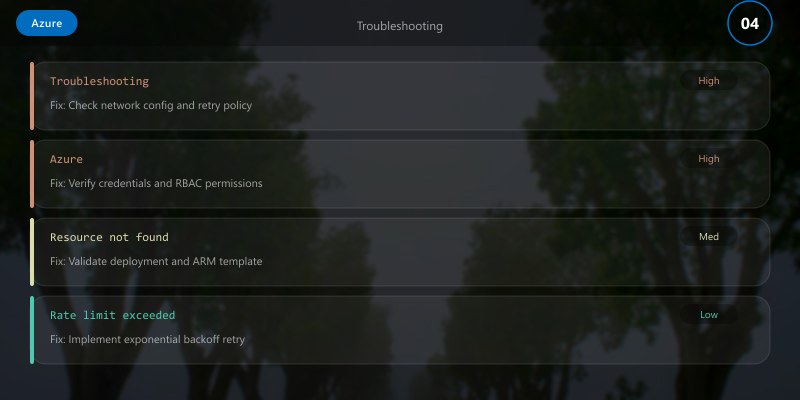
Issue: Slow upload performance
Solution: Increase parallel chunks; use premium storage; check network bandwidth
Issue: File share mount fails
Solution: Verify port 445 is open; check storage account key; ensure SMB 3.0 support
Best Practices
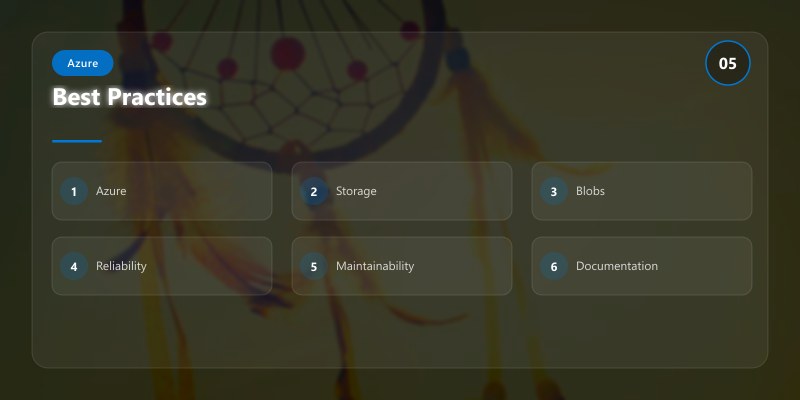
- Use managed identities over storage keys
- Enable soft delete for blob recovery (7-90 days)
- Implement lifecycle policies for cost control
- Use CDN for frequently accessed blobs
- Enable encryption at rest (default) and in transit (HTTPS)
- Monitor with Azure Monitor metrics and alerts
Architecture Decision and Tradeoffs
When designing cloud infrastructure solutions with Azure, consider these key architectural trade-offs:
| Approach | Best For | Tradeoff |
|---|---|---|
| Managed / platform service | Rapid delivery, reduced ops burden | Less customisation, potential vendor lock-in |
| Custom / self-hosted | Full control, advanced tuning | Higher operational overhead and cost |
Recommendation: Start with the managed approach for most workloads and move to custom only when specific requirements demand it.
Validation and Versioning
- Last validated: April 2026
- Validate examples against your tenant, region, and SKU constraints before production rollout.
- Keep module, CLI, and SDK versions pinned in automation pipelines and review quarterly.
Security and Governance Considerations
- Apply least-privilege access using RBAC roles and just-in-time elevation for admin tasks.
- Store secrets in managed secret stores and avoid embedding credentials in scripts or source files.
- Enable audit logging, data protection policies, and periodic access reviews for regulated workloads.
Cost and Performance Notes
- Define budgets and alerts, then monitor usage and cost trends continuously after go-live.
- Baseline performance with synthetic and real-user checks before and after major changes.
- Scale resources with measured thresholds and revisit sizing after usage pattern changes.
Official Microsoft References
- https://learn.microsoft.com/azure/
- https://learn.microsoft.com/azure/architecture/
- https://learn.microsoft.com/azure/well-architected/
Public Examples from Official Sources
- These examples are sourced from official public Microsoft documentation and sample repositories.
- Documentation examples: https://learn.microsoft.com/azure/architecture/
- Sample repositories: https://github.com/Azure-Samples
- Prefer adapting these examples to your tenant, subscriptions, and governance requirements before production use.
Key Takeaways
- Blob Storage offers lifecycle management for automated tiering.
- Azure Files provides SMB/NFS shares mountable across platforms.
- Queue Storage enables reliable asynchronous messaging.
- Table Storage suits high-throughput NoSQL scenarios.
Next Steps
- Explore Azure Data Lake Storage Gen2 for analytics
- Implement geo-replication failover testing
- Integrate with Azure Functions for event-driven processing
Additional Resources
Which storage service fits your workload best?