Blazor WebAssembly vs Server: Enterprise Architecture &
- Policy-based using
IAuthorizationHandlerand[Authorize(Policy="RoleX")]. - Use Roles + Claims mapped from Entra ID app registration.
Data Protection
- Server: Protect keys with Azure Key Vault + managed identity.
- WASM: Avoid secrets; call secure APIs only.
OWASP Considerations
- Input validation server-side; avoid trusting client state.
- Implement anti-forgery tokens for forms (Server model).
- Content Security Policy (CSP) for WASM static hosting.
Observability & Telemetry
Instrumentation
- Use OpenTelemetry for distributed traces (API + Blazor Server).
- Custom events for UI interactions.
- WASM: Send logs via API endpoint (batch) → Application Insights.
Sample Logging Snippet (Server)
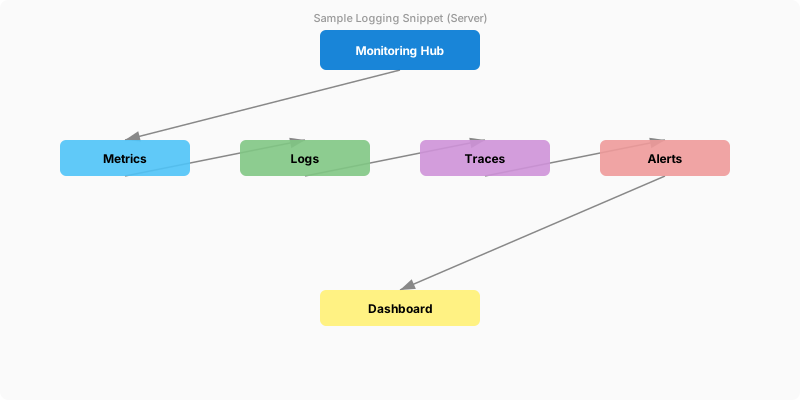
Figure: Structured log output – correlated trace entries with enriched context.
builder.Services.AddLogging();
builder.Services.AddOpenTelemetry().WithTracing(b => b
```text
.AddAspNetCoreInstrumentation()
.AddHttpClientInstrumentation()
.AddSource("App.Domain")```
);
Kusto Query (Slow Renders)
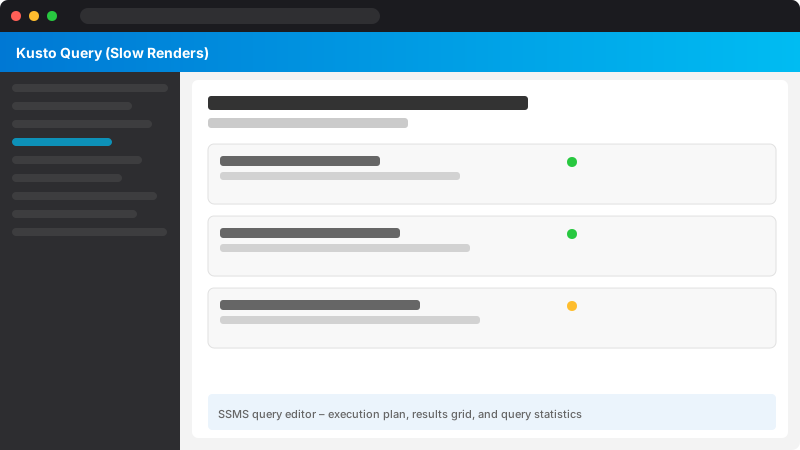
Figure: SSMS query editor – execution plan, results grid, and query statistics.
traces
| where customDimensions["component"] == "BlazorRender"
| order by timestamp desc
| take 50
Cost Management
| Cost Driver | WebAssembly | Server |
|---|---|---|
| Hosting | Static (cheap) | App Service/Container runtime |
| Scale | CDN edge scaling | Instance count + SignalR scaling |
| Data Access | API egress | Server compute + DB round trips |
| Real-Time | Extra infra (SignalR Service) | Built-in (still server CPU) |
| AOT Build | Higher build time | N/A |
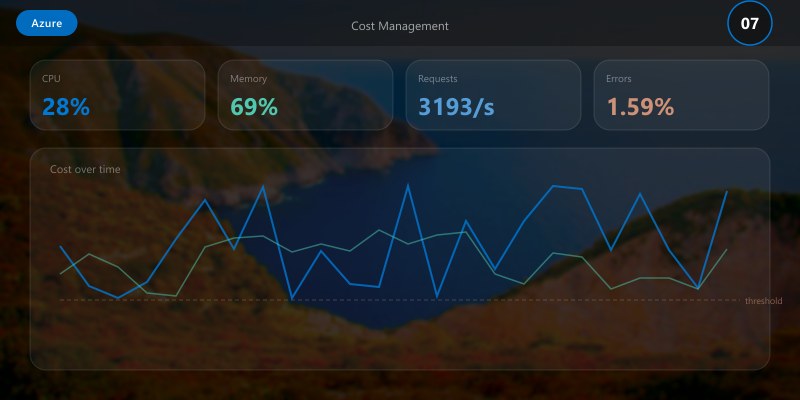
Strategies:
- Right-size App Service plan; consider autoscale rules (CPU, SignalR connections).
- Cache frequently read data (Redis / memory) to reduce DB RU/DTUs.
- Trim assemblies to reduce bandwidth for WASM.
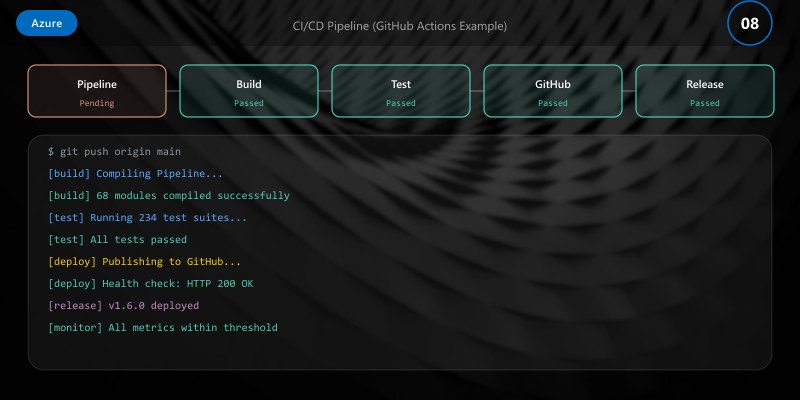
CI/CD Pipeline (GitHub Actions Example)
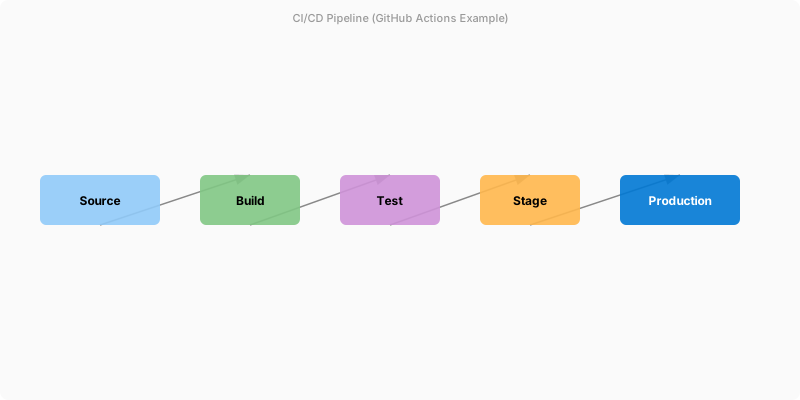
Figure: Azure DevOps pipeline – stages, deployment gates, and artifact publishing.
name: build-deploy-blazor
on:
push:
```yaml
branches: [ main ]```
jobs:
build:
```yaml
runs-on: ubuntu-latest
steps:
- uses: actions/checkout@v4
- name: Setup .NET
uses: actions/setup-dotnet@v4
with:
dotnet-version: '9.0.x'
- name: Restore
run: dotnet restore src/BlazorApp.sln
- name: Build
run: dotnet build src/BlazorApp.sln -c Release --no-restore
- name: Publish WASM
run: dotnet publish src/Client/Client.csproj -c Release -o artifact_wasm
- name: Publish Server
run: dotnet publish src/Server/Server.csproj -c Release -o artifact_server
- name: Upload Artifacts
uses: actions/upload-artifact@v4
with:
name: blazor-build
path: |
artifact_wasm
artifact_server```
deploy-static-webapp:
```yaml
if: github.ref == 'refs/heads/main'
needs: build
runs-on: ubuntu-latest
steps:
- uses: actions/download-artifact@v4
with:
name: blazor-build
path: build
- name: Deploy Static Web App
uses: azure/static-web-apps-deploy@v2
with:
app_location: build/artifact_wasm/wwwroot
api_location: ''
output_location: ''
azure_static_web_apps_api_token: ${{ secrets.AZURE_SWA_TOKEN }}
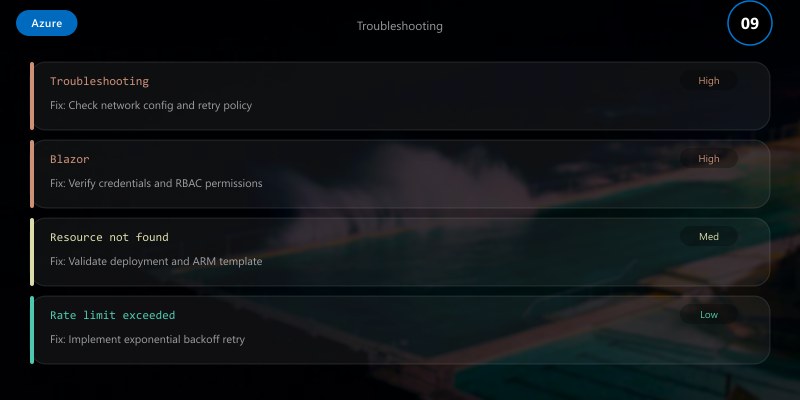
## Troubleshooting
| Issue | WASM Cause | Server Cause | Resolution |
|-------|------------|--------------|------------|
| Large Initial Load | Untrimmed assemblies | N/A | Enable IL trimming, lazy load |
| High Latency | Slow APIs | Round-trip rendering | Profile APIs, reduce diff churn |
| SignalR Disconnects | Custom real-time layer | Scaling / backplane config | Use Azure SignalR Service, check idle timeouts |
| Memory Growth | Browser caching stale | Per-user circuit retention | Clear storage; circuit eviction settings |
| Auth Failures | Token cache misconfig | Cookie/key rotation | Validate MSAL config; rotate keys via Key Vault |
## Best Practices
- Profile both models early with production-like data size.
- Avoid premature choice—prototype core workloads in each.
- Externalize configuration (App Configuration / Key Vault).
- Implement synthetic tests (Playwright) for critical flows.
- Enforce SLIs: render latency, connection stability, payload size.
## Architecture Decision and Tradeoffs
When designing cloud infrastructure solutions with Azure, consider these key architectural trade-offs:
| Approach | Best For | Tradeoff |
|----------|----------|----------|
| Managed / platform service | Rapid delivery, reduced ops burden | Less customisation, potential vendor lock-in |
| Custom / self-hosted | Full control, advanced tuning | Higher operational overhead and cost |
> **Recommendation:** Start with the managed approach for most workloads and move to custom only when specific requirements demand it.
## Validation and Versioning
- Last validated: April 2026
- Validate examples against your tenant, region, and SKU constraints before production rollout.
- Keep module, CLI, and SDK versions pinned in automation pipelines and review quarterly.
## Security and Governance Considerations
- Apply least-privilege access using RBAC roles and just-in-time elevation for admin tasks.
- Store secrets in managed secret stores and avoid embedding credentials in scripts or source files.
- Enable audit logging, data protection policies, and periodic access reviews for regulated workloads.
## Cost and Performance Notes
- Define budgets and alerts, then monitor usage and cost trends continuously after go-live.
- Baseline performance with synthetic and real-user checks before and after major changes.
- Scale resources with measured thresholds and revisit sizing after usage pattern changes.
## Official Microsoft References
- https://learn.microsoft.com/azure/
- https://learn.microsoft.com/azure/architecture/
- https://learn.microsoft.com/azure/well-architected/
## Public Examples from Official Sources
- These examples are sourced from official public Microsoft documentation and sample repositories.
- Documentation examples: https://learn.microsoft.com/azure/architecture/
- Sample repositories: https://github.com/Azure-Samples
- Prefer adapting these examples to your tenant, subscriptions, and governance requirements before production use.
## Key Takeaways
- Blazor Server accelerates secure, centralized data workflows with real-time UI diffing.
- Blazor WebAssembly excels for globally distributed, cache-heavy apps minimizing server cost.
- Hybrid patterns can combine WASM UX with server rendering for admin modules.
- Observability + security from day one prevents hidden latency and compliance gaps.
## Image References
Below are illustrative Microsoft Docs diagrams (subject to updates) referenced for architectural clarity:
- [Blazor Hosting Models](https://learn.microsoft.com/aspnet/core/blazor/hosting-models)
- [Azure Static Web Apps](https://learn.microsoft.com/azure/static-web-apps/)
- [Azure App Service](https://learn.microsoft.com/azure/app-service/)
- [Application Insights Overview](https://learn.microsoft.com/azure/azure-monitor/app/app-insights-overview)
